Model and Property Releases: The Complete Guide for Stock Contributors
By raof010 · Published October 18, 2026 · Updated October 18, 2026
Introduction
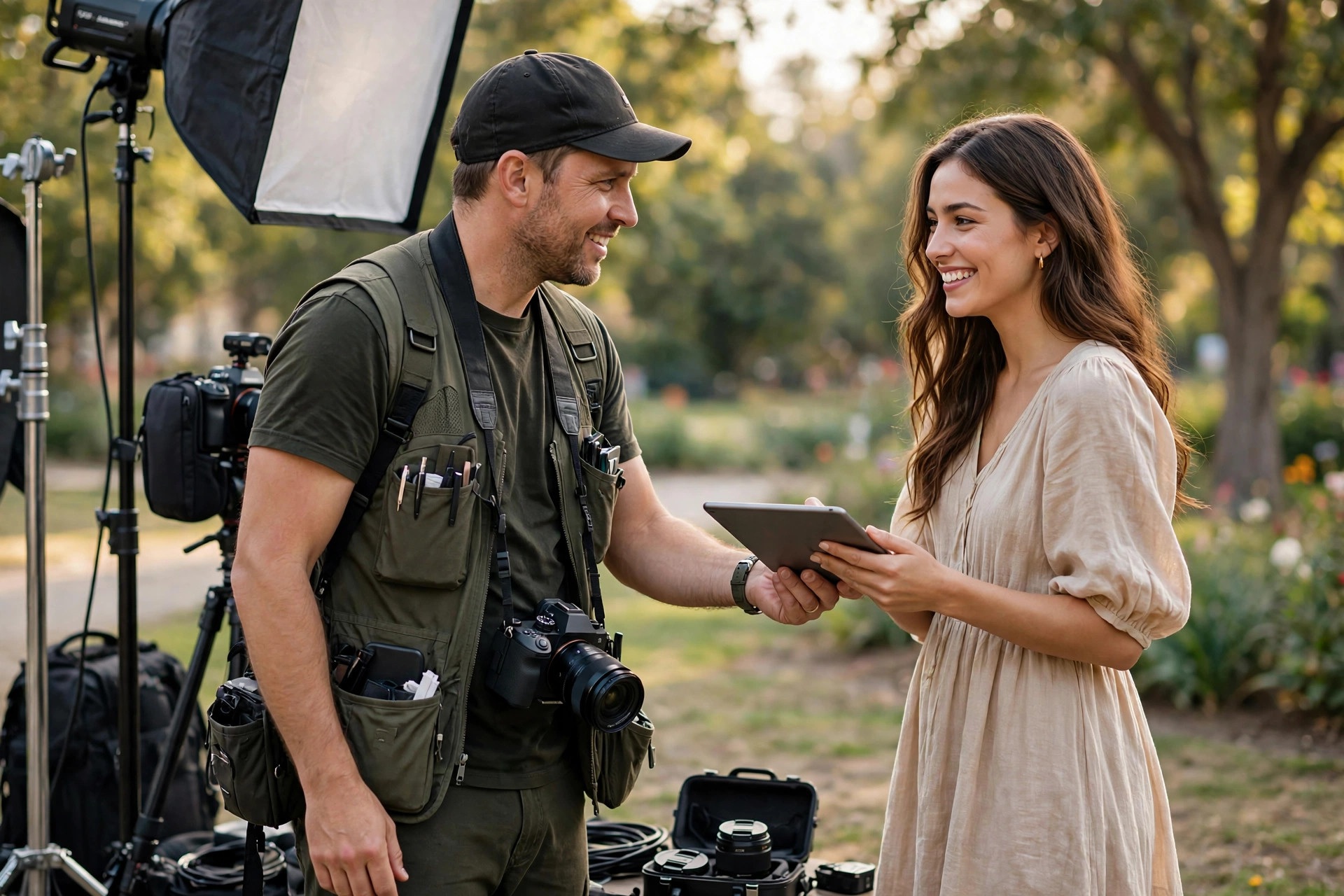
You can nail the exposure, the composition, and the keywords — and still watch a perfectly good photo get rejected for one boring reason: a missing or invalid release. Buyers pay for commercial stock because they can use it in ads and campaigns without legal risk. The release is what transfers that legal safety from you to the buyer. No release, no commercial license — and often, no acceptance.
This guide covers the two releases every contributor must understand: the model release for recognizable people and the property release for recognizable private property. You will learn when each platform requires them, what makes a release valid, how to collect signatures on set, and the mistakes that trigger release-related rejections.
What Is a Model Release?
A model release is a written agreement — signed by the person in the photo — granting permission to license their likeness for commercial use. It records the model's name, the date, the photographer's name, and the permitted uses. Once signed, it lets marketplaces sell the photo for advertising and branding, and protects you, the marketplace, and the buyer from claims by the person pictured.
A release is needed for any identifiable person in a commercial submission, and "identifiable" is broader than most beginners think. A face is the obvious case, but so is a distinctive tattoo, a unique scar, a recognizable silhouette, or a person identifiable through context — a branded uniform with a name tag, for example. If someone could reasonably look at the image and say "that is me," a release is required.
Crowds are the gray area: a large, anonymous crowd needs no individual releases, but the moment one person is clearly the focal point — sharp, centered, lit — the exemption ends. When in doubt, get the release.
What Is a Property Release?
A property release is the same idea applied to places and things: written permission from the property owner allowing commercial licensing of their property's image. Adobe Stock's current contributor guidelines (updated September 2026) require a property release for recognizable private property, artwork, or distinctive objects. The list is longer than most people expect:
- Famous landmarks, historic locations, and modern architecture — distinctive buildings are often protected, even shot from public land.
- Identifiable private homes and interiors, including rental and staged spaces.
- Artwork and murals — copyrighted designs need clearance, not just signature removal.
- Distinctive product shapes — luxury vehicles, iconic bottles, designer furniture.
- Unique animals — racehorses, famous pets, certain zoo animals with identifiable markings.
- Venues with photography policies — stadiums, museums, concert halls, amusement parks.
Note Adobe's guidance on "location-based IP" such as murals and architectural landmarks: Adobe maintains a known-restrictions list for locations not acceptable at all, and no property release can override a blacklisted location.

Shutterstock's Requirements
On Shutterstock, model releases are required for every recognizable person in a commercial submission, and property releases for recognizable private property. Releases are uploaded in the contributor portal and linked to the submissions they cover.
One Shutterstock-specific rule is worth memorizing: if content is rejected for a missing or invalid model release, you cannot simply attach the release afterward — you must start over and resubmit the content from scratch. Editorial content is the exception: genuinely documentary editorial submissions need no releases, but staged scenes with paid models dressed up to look documentary do not qualify.
Adobe Stock's Requirements
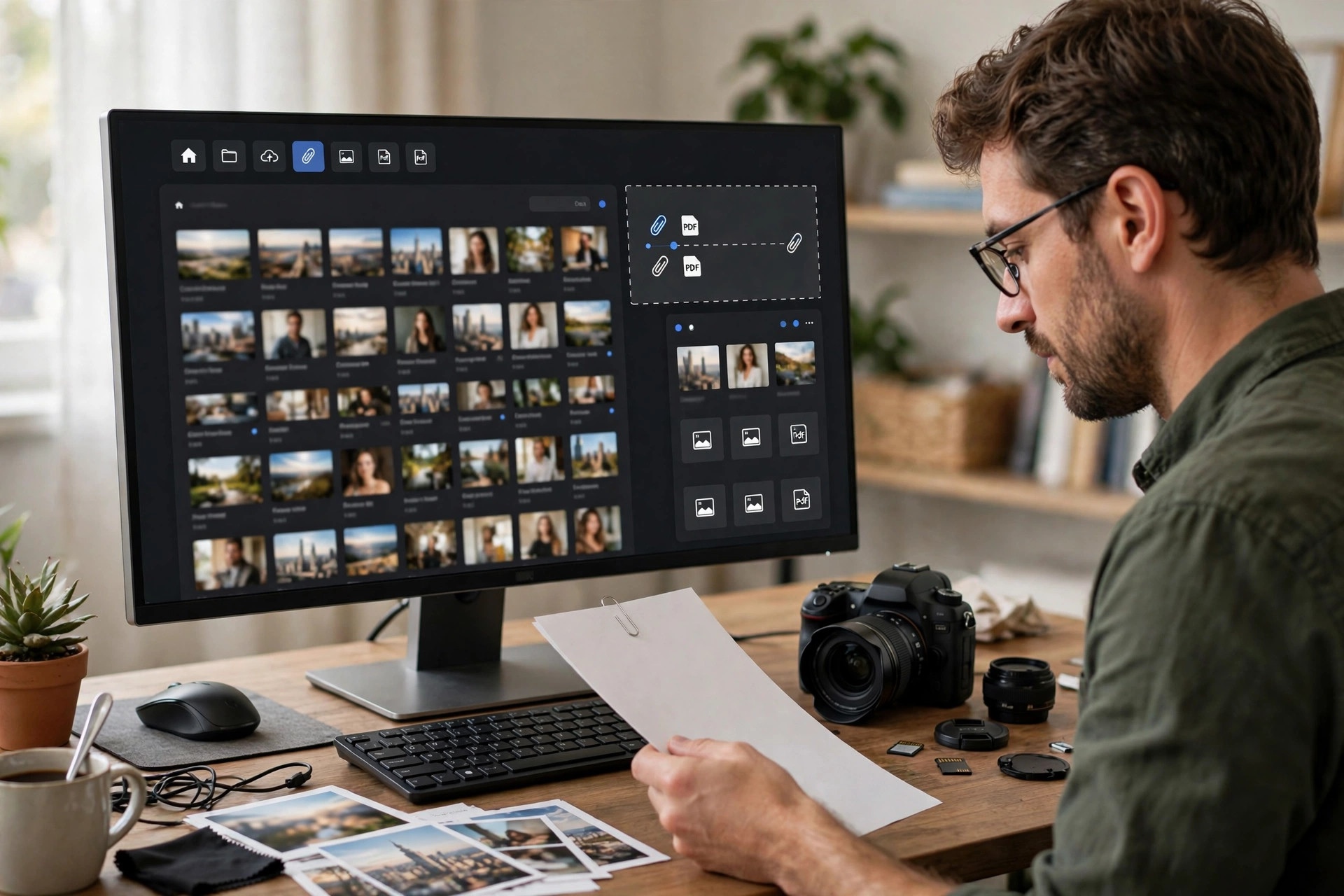
Adobe's rule amounts to the same standard: a model release for any identifiable person, and a property release for recognizable private property, artwork, or distinctive objects. Adobe keeps a release library inside the contributor portal. In the Uploaded Files tab, select your content, answer "Yes" under "Recognizable people or property?", then search for an existing release or create a new one — digitally with Adobe Sign or as a bulk-uploaded scanned PDF (PDF only, max 10 MB). Once attached, Adobe verifies the release and links it to the asset.
One nuance from Adobe's 2026 guidance matters for AI contributors: AI-generated imagery depicting a recognizable real person or real property may also require a release. The legal requirement follows the likeness, not the capture method.
What Makes a Release Valid
A release only protects you if it survives review. The valid releases on both platforms share the same anatomy:
- The subject's full legal name, printed legibly — not a nickname or initials alone.
- A signature and the date signed. Digital signatures through Adobe Sign or release apps like Easy Release count.
- The photographer's (your) name as the receiving party.
- A description of the content — session date, location, or shoot description — so the release can be matched to the images it legalizes.
- Legible, complete paperwork. Every page readable, every field filled. A cropped or blurry PDF gets rejected, and the image goes with it.
- Consent by the right person. For minors, a parent or legal guardian must sign.
Both Shutterstock and Adobe provide standard release templates, and release apps generate compliant forms too. Keep a copy in your own archive — not just the platform portal — so you can reuse and re-attach it for years.
The On-Set Workflow
Contributors with clean release records build collection into the shoot, not the upload session:
- Before the shoot, send the release form with the call sheet. Models who have seen it beforehand sign in seconds.
- At check-in, collect the signature before fatigue sets in. Sign digitally on your phone — apps like Easy Release or Adobe Sign turn a five-minute clipboard ritual into a thirty-second tap.
- Back up immediately: photograph the signed form at signing, then file the PDF that evening.
- For property, identify the owner before the shoot. The person who lets you in is often not the owner. For artwork and murals, the artist or rights holder signs, not the wall's owner.
- Log every release in a spreadsheet: model name, shoot date, session description, which platform libraries hold the PDF. You will find it in seconds when a marketplace asks you to re-link it two years later.
Rejection Traps
Release problems are among the most common review failures — and the most avoidable:
- Recognizable but "just in the background." A sharp background face still needs a release — blur it, crop it out, or file the image editorially.
- The release covers the wrong session. Linking last year's release to this year's image because it is "the same model" fails review.
- Unsigned or half-filled forms. The reviewer checklist is literal: every field filled, every signature present, every page legible.
- Minor releases without a guardian. Under 18 needs a parent or guardian signature — a hard rule, not guidance.
- Trademarks hiding in the frame. Logos and branded packaging need clearance or removal regardless of your people paperwork — releases do not cover third-party brands.
- Staged "editorial." Hiring models and styling a fake street scene does not make it editorial. It is commercial content missing its releases — the worst of both worlds.
If an accepted image is suddenly getting flagged, run the ten most common review failures checklist first — release problems are fixable, but only by reshooting or properly documenting, not by re-uploading the same file.
Releases as an Earnings Decision
Treat releases as an earnings decision, not just compliance. Commercial licenses pay more and reach bigger buyers than editorial-only files, so a released image is typically worth more over its lifetime. That changes shoot planning: lifestyle sessions with signed models, interiors with signed property releases, and pre-cleared locations all produce commercial-grade assets, while candid public scenes with no paperwork end up editorial-only.
The math also favors organized batch uploaders. If you plan uploads in volume — a strategy covered in our Shutterstock levels planning guide — keep your release library organized so attaching releases scales with uploads instead of becoming the bottleneck. And if you are exploring editorial work as an AI-proof niche, know the line precisely: editorial needs no releases only when the content genuinely documents reality.
Key Takeaways
- A model release is required for any identifiable person in a commercial submission; a property release covers recognizable private property, artwork, landmarks, and distinctive objects.
- "Identifiable" goes beyond faces — tattoos, scars, silhouettes, and context can all trigger the requirement.
- Shutterstock requires releases uploaded and linked in the portal, and a release rejection means resubmitting the content from scratch; Adobe stores releases in a contributor library with Adobe Sign digital collection.
- For minors, a parent or legal guardian must sign; a minor's own signature is invalid.
- Staged scenes are not editorial: if it is not genuinely documentary, it is commercial content missing its releases.
FAQs
Do I need a model release for photos of crowds?
Generally no, for large anonymous crowds where no individual is the subject. But if one person is clearly identifiable — sharp, lit, centered — that person needs a release for commercial submission.
Can I use one model release for multiple shoots with the same model?
Only if the release's description covers those sessions. A release tied to a specific date and shoot will fail review when linked to different content. Get a fresh release per session.
What happens if my release is rejected?
On Shutterstock, a missing or invalid release rejection means resubmitting the content with a valid release attached. On Adobe, the release itself goes through a verification review linked to the asset.
Do property releases apply to photos taken from public land?
Sometimes. A building shot from the street can still be recognizable private property with protected status — famous landmarks, distinctive modern architecture, and venues with photography policies are the classic cases. When in doubt, check the platform's known-restrictions list.
Are digital signatures accepted on model releases?
Yes. Adobe supports Adobe Sign for digital collection, and release apps like Easy Release generate signed digital forms accepted on Shutterstock. The signature must be verifiable and the document complete and legible.