Selling Stock Photos on 500px in 2026: Royalties, Rules, and What Actually Sells
By raof010 · Published November 18, 2026 · Updated November 18, 2026
500px is the odd one out in the stock world. It is a photography community first and a marketplace second, and its royalty table looks nothing like the other agencies in this series: exclusive photos can earn you 100% of the net sale if you hold a paid membership, 60% if you are a free member, and non-exclusive photos earn 25%. No other marketplace we have covered pays the contributor the full sale price. The catch is that the headline rate is only half the story — 500px sells your work through Getty Images and Visual China Group, the partners set the prices, and the platform bans AI-generated content outright. This guide explains the full 2026 picture — the royalty math, the exclusivity decision, the payout rules, the AI policy, and what to upload first — so you can decide whether 500px deserves a corner of your portfolio.
How 500px pays contributors in 2026
500px Licensing works on a royalty-free model: a buyer pays once to license your photo and can reuse it within the license terms, while you keep the copyright and earn a percentage of the net sale every time it sells. The percentage depends on two choices — whether the photo is exclusive to 500px, and whether you pay for a membership. The rates below come from 500px's own support centre, which is the authoritative source:
Licensing choice | Royalty rate |
|---|---|
Exclusive, Pro or Plus member | 100% of net sale |
Exclusive, free member | 60% of net sale |
Non-exclusive, any member | 25% of net sale |
That 100% figure is real but narrow. It applies only to photos you license exclusively through 500px — meaning you have never licensed the image commercially anywhere else, and you cannot license it commercially anywhere else while it is exclusive. It also requires a paid membership (Pro or Plus). A free member's exclusive photo earns 60%, which is still the highest exclusive rate in this series — higher than Adobe Stock's flat 33% and far above Shutterstock's 15–40% level ladder.
One warning before you celebrate the percentages: the percentage applies to the net sale price, and you do not set that price. 500px distributes your photos through its partners, and the partners have sole discretion over pricing. They often sell content as part of subscription packages, so the royalty you receive may not reflect any price listed on a website. A 100% royalty on a small bundled sale is still a small payment. Also note that older guides online still quote 30% for non-exclusive photos — 500px's current support pages say 25%, so use 25% in your planning and confirm the rate in the Licensing Manager before you submit.
The Getty Images and VCG distribution deal
500px does not sell most of its licensed photos itself. It works with two exclusive distribution partners: Getty Images, which distributes 500px content globally except mainland China, and Visual China Group (VCG), which covers China. VCG acquired 500px in 2018, so the platform and its Chinese distributor share an owner.
For you as a contributor, this deal has two consequences. First, your photos can reach buyers you would never reach on your own — Getty's client list includes the world's biggest brands, agencies, and publishers. Second, you give up control over pricing and placement. 500px states plainly that it cannot divulge the royalty split between itself and its distribution partners, and that distribution partners report sales monthly or quarterly, after which 500px processes the royalties into your payout history. Sales appear in your Licensing Manager as distributor sales, and it can take time for a Getty sale to show up in your account.
There is also an exclusive-use twist worth knowing. Only exclusive photos can be licensed for "exclusive use" by a customer — a buyer paying to keep a photo out of everyone else's hands for a set period. 500px says those licenses typically run into several thousand dollars. They are rare, but they are the reason the exclusivity question matters more on 500px than on most agencies: 500px itself reports that 75% of the top-selling photos from its collection on Getty Images are exclusive.
Exclusive or non-exclusive: the decision that decides your rate
Exclusive means only 500px can license the photo commercially, and you have never licensed it commercially before. Non-exclusive means you can sell the same photo through other agencies or directly to commercial buyers. The trade-off is simple to state and hard to get right:
Go exclusive when the photo is strong, fresh, and has never been licensed anywhere. You earn 60% as a free member or 100% as a paid member, your photo gets featured more often by 500px, and it becomes eligible for exclusive-use licenses worth thousands. The cost is that the photo is locked to 500px for commercial use — you cannot sell it anywhere else.
Go non-exclusive when the photo is already licensed elsewhere, or when you want the same file earning on several agencies at once. You earn 25% on 500px, but the same file can also earn on Adobe Stock, Shutterstock, and the rest of the agencies in this series. For most working contributors, non-exclusive is the default for back-catalogue files, and exclusive is reserved for their best new work.
A practical rule: never mark a photo exclusive if you have already licensed it commercially, even once. 500px checks, and mislabelled exclusivity is a fast way to lose a licensing account. If you are unsure about a file's history, submit it non-exclusive.
Getting accepted: what 500px actually reviews
500px Licensing is free to join — there is no application exam like some agencies run. You create a free account, open the Licensing Manager, and submit photos you want to license. Two limits shape the start: free members can upload up to seven photos per week, so building a licensing portfolio takes patience unless you upgrade, and 500px only considers photos for commercial licensing purposes today — there is no editorial track on the platform.
Every submission is reviewed for technical quality and commercial value. The checks that matter most:
Sharpness and exposure. Reviewers look at full resolution. Check your files at 100% zoom before submitting, the same discipline that passes reviews everywhere else.
Model and property releases. Recognisable people and private property need signed releases, exactly as on other agencies. Keep your releases filed and ready to attach.
Trademarks and logos. Visible brands, logos, and copyrighted designs are rejected for commercial licensing unless the trademark owner consents.
Honest metadata. Titles and keywords must describe what is actually in the photo. Follow the keyword rules that decide whether buyers find your files — accurate keywords are what turn an accepted photo into a sold photo.
Real photography only. 500px's AI rule is the strictest in this series, and it gets its own section below.
There is no public acceptance-rate figure for 500px Licensing, so treat your first 20 submissions as a test batch: submit your strongest commercial concepts, note what passes, and let the results set your pace.
The AI rule: zero tolerance, permanent ban
This is the section to read twice. 500px states that it is, and always will be, a platform for real photography. AI-generated content is not permitted anywhere on 500px — not in Licensing, not in Quests, not even uploaded to your profile. The platform's position is that AI-generated images do not qualify for copyright protection, which makes them unsuitable for licensing.
The enforcement is blunt: submitting AI-generated content to Licensing or Quests results in a permanent ban from the 500px community. AI-assisted editing is allowed only within narrow limits — edits should remain subtle, affecting less than 10% of the final image. That means basic retouching, dust removal, and light colour work are fine, but AI sky replacement, generative fill on large areas, or AI-upscaled composites are not. If you use AI tools in your workflow, keep a clear record of what you changed, and never submit a fully AI-generated image to 500px. Compare that with Adobe Stock, which accepts labelled AI content — the two platforms sit at opposite ends of the AI question, so never assume one agency's AI rule applies on another.
Getting paid: thresholds, timing, and methods
500px pays through its Licensing Manager, where you can track sales history and payout history. The mechanics, from 500px's own support pages:
Sales take 45 days to process before they become available for payout.
Minimum payout is US$30. Your "Available to Request Payout" balance must reach at least $30 before you can request a payment.
Payouts are processed every 10–15 business days after you request one.
PayPal is free on 500px's side, though PayPal itself may charge its own fees. Wire transfer costs US$16.50–$28.60 per transfer, so PayPal is the sensible choice for most contributors outside the US.
Do the maths before you get excited about the 100% rate. At a 25% non-exclusive royalty on a bundled Getty sale, a single sale can pay well under a dollar. Reaching the $30 threshold can take months on a small portfolio — that is normal on 500px, and it is why the platform works best as one channel among several rather than your only income source. Keep your PayPal details current in the Licensing Manager so a payout request never fails on an outdated address.
What the membership costs — and whether it pays for itself
The 100% exclusive royalty requires a paid membership, so the membership price is part of the royalty calculation. 500px no longer publishes a single stable pricing page, and third-party guides disagree on current figures — PetaPixel's January 2026 guide lists Awesome at $59.88 a year ($4.99 a month) and Pro at $71.88 a year ($5.99 a month), while other 2026 roundups quote different numbers. Confirm the live price at checkout before you commit, because the price you see is the only one that counts.
Whether a paid plan pays for itself depends entirely on your exclusive sales. Work it out before upgrading: at 100% instead of 60% on exclusive sales, the upgrade earns you an extra 40% of each exclusive sale's net price. If your exclusive photos earn $150 a year through 500px, the upgrade returns roughly $60 — about the cost of the plan. Below that level, stay free, earn 60% on exclusive photos, and revisit the decision when your sales grow.
One honest warning from contributor reviews: 500px's paid memberships have drawn repeated complaints about auto-renewal — subscribers who tried to cancel annual plans reported being charged again and refused refunds. Whatever plan you choose, set a calendar reminder a week before renewal, confirm your cancellation in writing if you cancel, and check your card statement after the renewal date. A membership should be a business decision, not a surprise charge.
What actually sells on 500px
500px's buyers come through Getty Images, which means they are mostly brands, agencies, and publishers looking for polished commercial imagery. The subjects that sell follow the same commercial logic as the rest of the series, with 500px's own flavour:
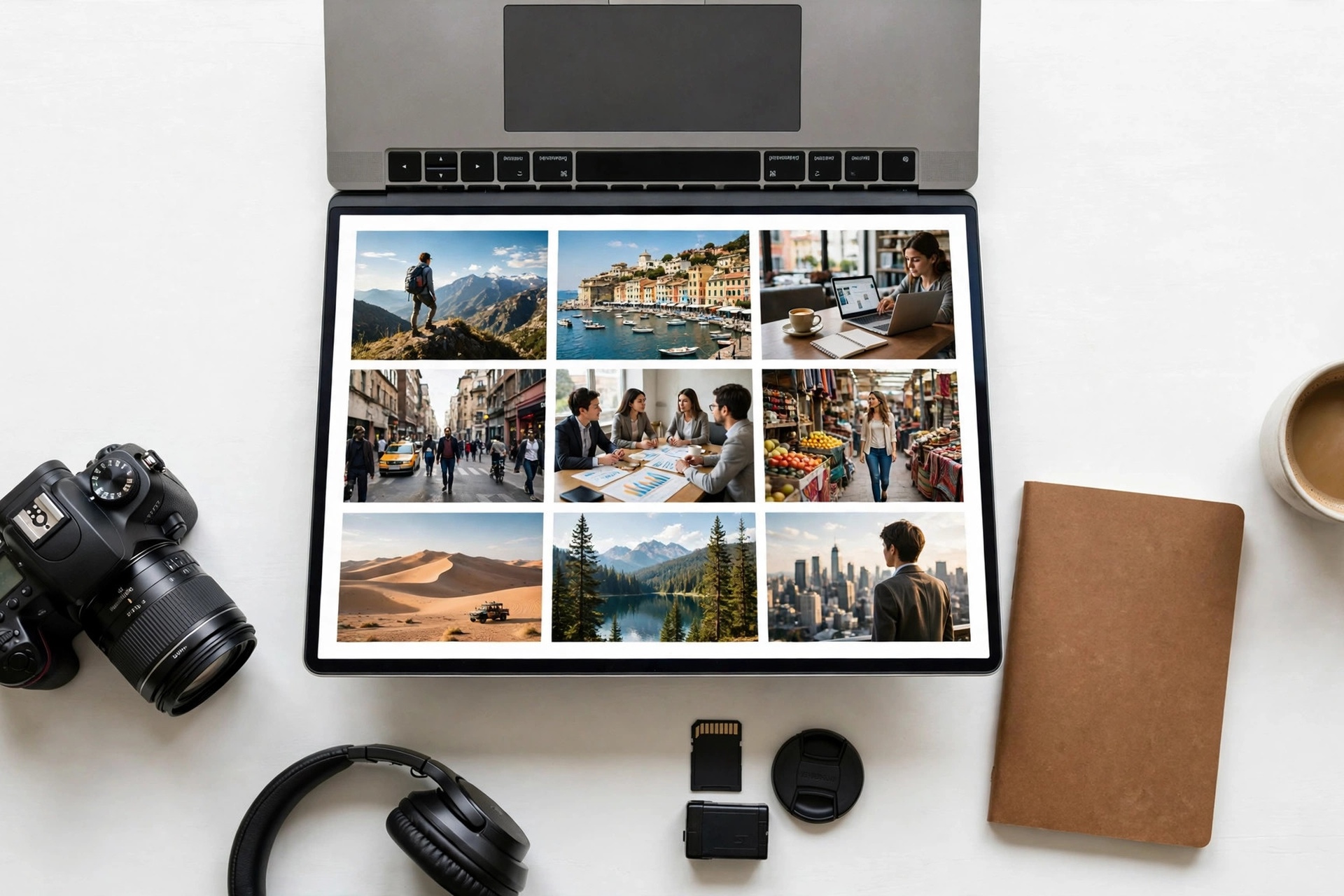
Authentic lifestyle and business. Real people working, meeting, creating, and living — diverse, natural, and unposed. Stiff stock poses underperform; candid moments win.
Travel and landscape with a commercial eye. Dramatic locations sell when they include a human element or a clear use — a hiker on a ridge, a city at dusk, a workspace with a view.
Food, wellness, and everyday rituals. Cooking, coffee, fitness, and morning routines are steady sellers for editorial-style commercial use.
Diverse and underrepresented subjects. 500px's community skews artistic, so authentic coverage of underrepresented people, places, and cultures stands out in search.
Exclusive-only gems. Your single best images — the ones with strong light, real emotion, and a clear concept — are the ones to reserve for exclusive licensing, because exclusivity is what unlocks the 60–100% rates and the featured placement.
Avoid the trap of uploading your entire back catalogue and hoping for the best. On 500px, a tight portfolio of 100 strong commercial photos will outperform 1,000 average ones, because every file competes for reviewer attention and buyer search placement. For the broader licence picture, see what each license type pays before you decide which agencies get which files.
A first-100 plan for 500px
If you are starting from zero, here is a realistic first month:
Week 1: Create your free account, open the Licensing Manager, and submit your 7 best commercial photos as exclusive — your strongest, never-before-licensed work.
Week 2: Submit 7 more, this time a mix of exclusive and non-exclusive, and compare acceptance rates.
Week 3: Keyword every accepted photo carefully, attach releases where needed, and study which subjects passed review.
Week 4: Decide whether your exclusive sales justify a paid membership. If your exclusive photos are selling, upgrade; if not, keep building free and revisit at 100 files.
Once you reach 100 licensed photos, compare 500px against your other agencies. If its exclusive sales beat iStock's exclusive rates on the same subjects, shift more of your best new work to exclusive on 500px. If it lags, keep 500px non-exclusive and let it earn passively while your best files work harder elsewhere.
Key takeaways
500px pays 100% on exclusive photos for Pro and Plus members, 60% for free members, and 25% on non-exclusive photos — the highest headline rate in this series, but the partners set the prices.
Your photos sell through Getty Images (global except China) and VCG (China); 75% of 500px's top sellers on Getty are exclusive.
Sales take 45 days to process, the payout minimum is $30, and PayPal is free while wire transfers cost $16.50–$28.60.
AI-generated content is banned outright — submitting it to Licensing means a permanent ban. AI edits must affect less than 10% of the image.
Go exclusive only with your best never-before-licensed work; keep the back catalogue non-exclusive and earning across several agencies.
FAQs
Is 500px Licensing free to join?
Yes. Creating an account and submitting photos to Licensing costs nothing, but free members are limited to seven uploads per week. A paid membership (Awesome or Pro) removes the upload limit and raises the exclusive royalty from 60% to 100%.
How much can I realistically earn on 500px?
It varies widely. A single bundled sale through Getty can pay well under a dollar at the 25% non-exclusive rate, while an exclusive-use license can run into several thousand dollars. Most contributors earn slowly at first and should treat 500px as one channel among several, not a primary income source.
Does 500px accept AI-generated images?
No. AI-generated content is not permitted anywhere on 500px, including Licensing. Submitting it can lead to a permanent ban. AI-assisted edits are acceptable only if they affect less than 10% of the final image.
Should I license my photos exclusively on 500px?
Only your best, never-before-licensed work. Exclusive photos earn 60% (free) or 100% (paid members) and get featured more often, but they cannot be sold commercially anywhere else. Photos already licensed elsewhere must go non-exclusive at 25%.
How and when do I get paid?
Sales take 45 days to process. Once your available balance reaches $30, you can request a payout — PayPal is free on 500px's side, wire transfers cost $16.50–$28.60, and payouts are processed every 10–15 business days.