Selling Stock Photos on Getty Images in 2026: Royalties, Rules, and What Actually Sells
By raof010 · Published November 9, 2026 · Updated November 9, 2026
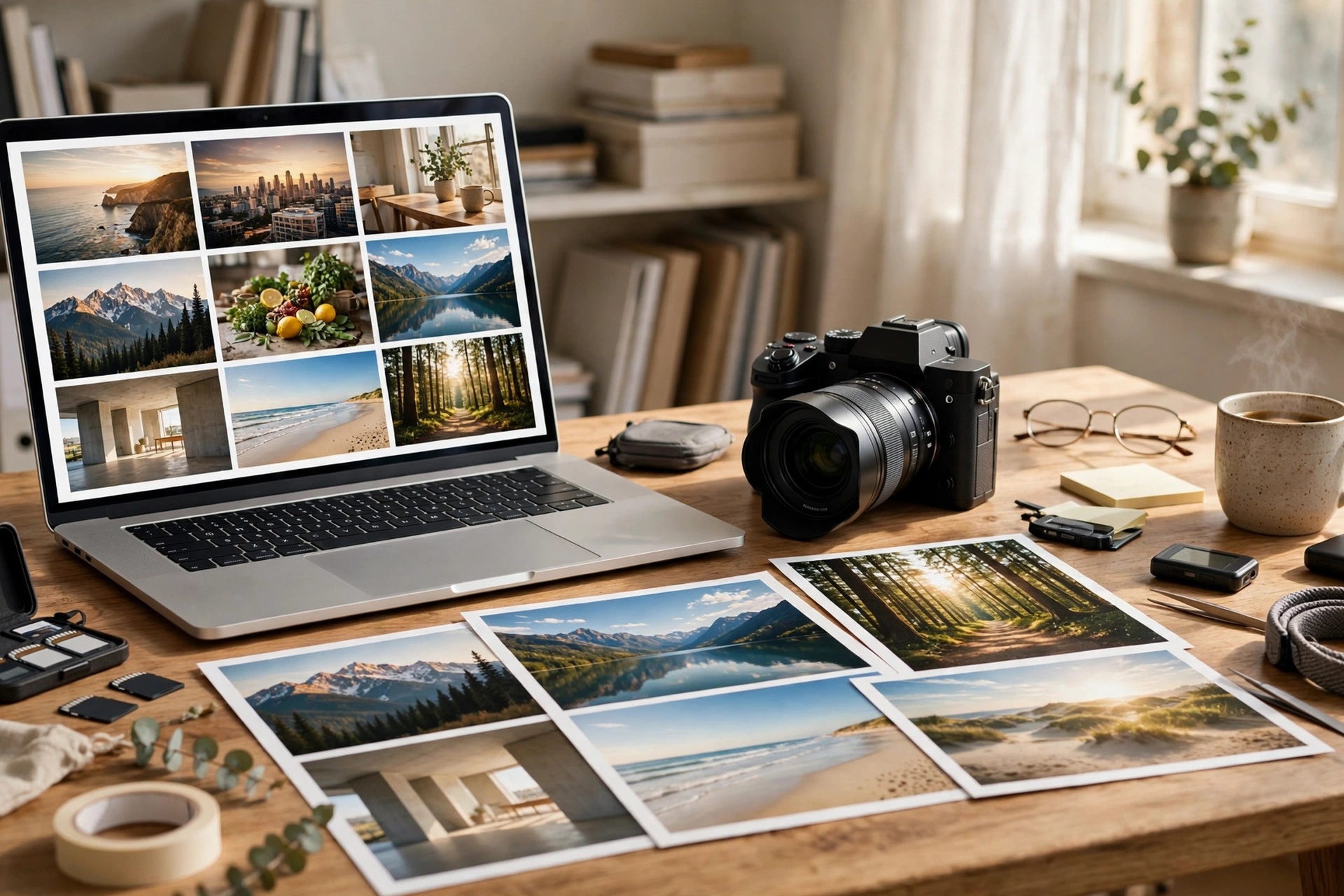
Getty Images is the name every stock contributor knows, and the one most contributors never try. The reason is simple: Getty puts a human portfolio review between you and your first upload, and its royalty percentages look lower than the 33% Adobe Stock pays. But that is only half the story. Getty licenses sell at premium prices to publishers, brands, and newsrooms, so 20% of a large license can beat 33% of a small one, and its rights-managed rates reach 30%. This guide explains the real 2026 royalty rates, the application gate, the strict AI ban, the payout rules, and what to upload first if you decide Getty is worth your best work.
Getty Images vs iStock: Two Doors Into the Same Company
The first thing to understand is that Getty Images and iStock are one company with two storefronts, and one application feeds both. When you apply as a contributor, you apply to Getty Images. If your samples pass review, you sign an agreement and can begin submitting. Your files can then sell on iStock, the mass-market microstock site, and on gettyimages.com, the premium site — but the two sites pay you under different agreements and different rate cards. Confusing them is the most common mistake new Getty contributors make, because the percentages look nothing alike.
iStock is the volume play. It is where buyers go for affordable royalty-free images, and where most new contributors actually earn their first dollars. Getty Images is the premium play. It is where newsrooms, publishers, and big brands license editorial images and high-end creative work at prices that can be ten or fifty times an iStock download. The same photo can earn a few cents on one side and a three-figure license fee on the other, which is why the royalty percentage alone tells you almost nothing. What matters is the percentage multiplied by the price, and Getty's prices are the highest in the business.
If you already read our guide to selling stock photos on iStock, you know the iStock side of this story. This article covers the Getty Images side: the premium agreement, the higher bar, and the buyers who pay for it.
The 2026 Royalty Rates, in Plain Numbers
Getty Images contributors are paid under the Getty Images Contributor Agreement, and its rate card is organized by license model rather than by who you are. If the license types themselves are new to you, our guide to royalty-free vs rights-managed licenses explains what each one means and what contributors earn from each. The current version of the card, version 5.0, sets these rates:
Rights-managed stills (creative and editorial): 30%
Royalty-free stills (creative and editorial): 20%
Rights-ready stills (creative and editorial): 30%
Royalty-free video (creative and editorial): 25%
There are no download tiers on this card. A beginner and a veteran earn the same percentage on the same license type; the difference is in what they shoot and how much of it sells. That is a sharp contrast with the iStock rate card, which took effect on 1 July 2026: non-exclusive iStock contributors earn 15% on photos and illustrations and 20% on video, while exclusive iStock contributors start at 25% on photos and climb to 45% as their paid downloads pass set thresholds. So the honest comparison is not "Getty pays 20% and iStock pays 15%." It is: Getty Images agreement rates run 20–30% on premium-priced licenses, while the iStock agreement runs 15–45% on mass-market-priced downloads, with the top end reserved for exclusive contributors with serious volume.
Do the math on a worked example, not a promise. A $500 rights-managed license on Getty Images pays you $150 at 30%. A $60 royalty-free license pays you $12 at 20%. A single editorial image from a major news event can license for far more than either. Compare that with a $3 subscription download on iStock, where 15% is 45 cents. Volume and price pull in opposite directions, and which one wins depends entirely on what you shoot. Getty rewards photographers who can produce licensable, premium, or newsworthy images. It is a poor fit for bulk uploads of generic subjects, which is exactly what the portfolio review is designed to filter out.
One more thing to check before you plan around any number in this section: your own rate card. Getty states your exact rates in the agreement PDF inside Account Management, and that document is the version that counts for you. Rates change, and the numbers above reflect the rate cards reported in 2026. Confirm yours before you commit to a strategy.

Editorial: Getty's Real Moat
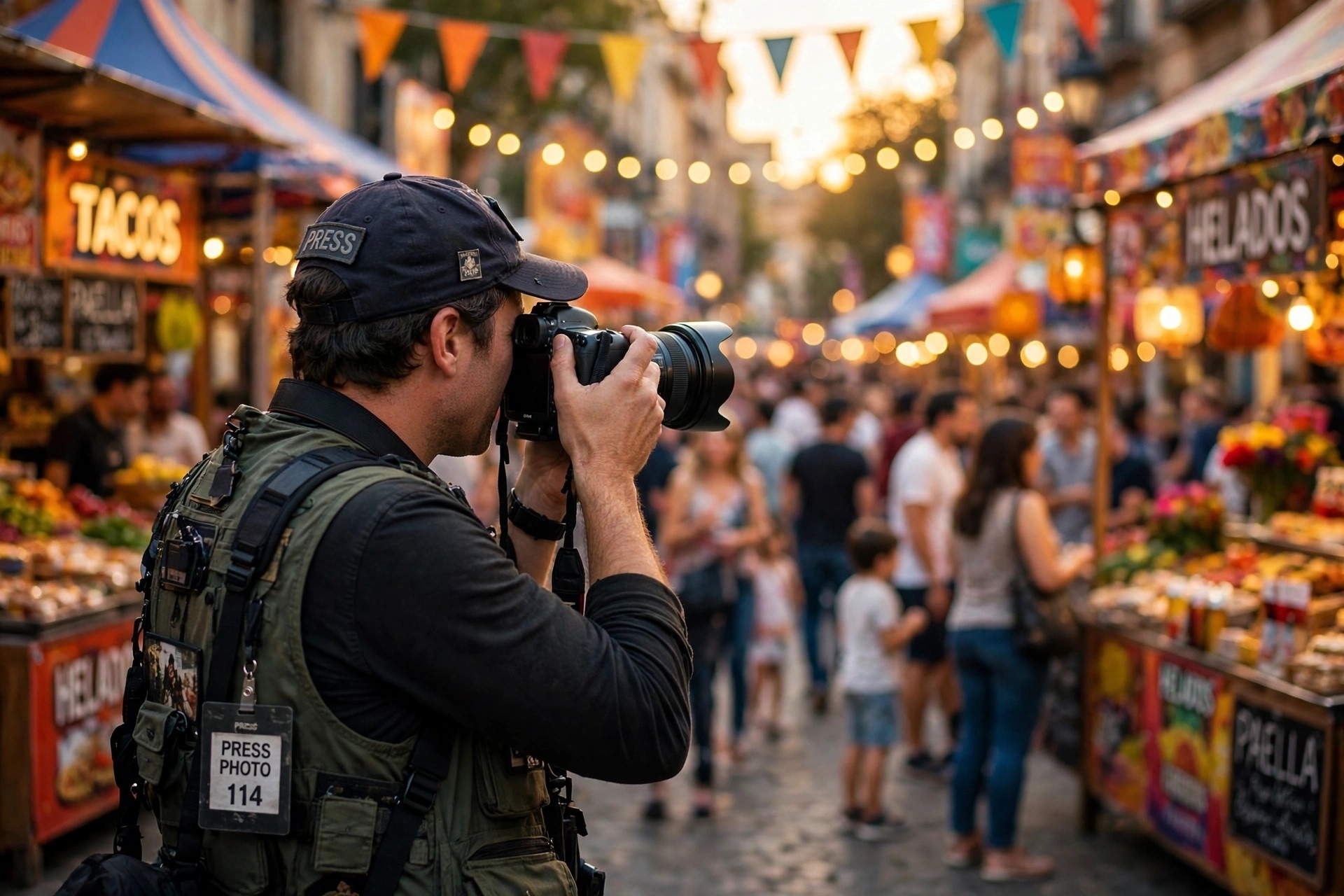
If there is one reason to aim at Getty Images rather than any other agency, it is editorial. Getty is the world's largest visual media company, and its editorial library — news, sport, entertainment, and royalty-free editorial-adjacent coverage — is the product no microstock site and no AI generator can copy. A photo of a real match, a real protest, a real red-carpet moment, taken by a real photographer who was actually there, has no substitute. Buyers pay premium prices for it because there is exactly one source, and the photographer who was there gets the license fee.
That is also why editorial stock photography is the niche AI cannot replace. Generative tools can fake a boardroom or a beach, but they cannot fake yesterday's match or this morning's press conference, and newsrooms will not buy a fake anyway. If you live near a city with sport, politics, culture, or events worth covering, editorial is your fastest route into Getty's premium pricing — and your strongest argument for passing the portfolio review, because event coverage proves you can deliver usable images under real-world pressure.
Editorial has its own rules, and they are stricter than creative stock. Captions must be accurate: who, what, where, and when, with no staging and no misleading edits. You cannot submit editorial images through the mobile Contributor app; editorial goes through ESP, Getty's desktop submission platform. Releases work differently too: editorial images of recognizable people generally do not need a model release, because they are licensed for editorial use only, not for advertising. That is a genuine advantage if you shoot public events. But the tradeoff is that editorial licenses are time-sensitive. A news image earns most of its money in the first days after the event, so speed of submission matters as much as quality.
How to Apply: The Portfolio Review Gate
Unlike Adobe Stock or Shutterstock, where anyone can open an account and start uploading, Getty reviews your work before it gives you an upload account. The application is a portfolio review, not a sign-up form, and that single fact separates Getty from most microstock agencies. You submit a set of sample images, a human reviewer judges them, and only then do you get submission access. Reported waits range from several days to several weeks depending on volume and content type, and there is no published turnaround time, so apply when you can afford to wait.
The eligibility bar itself is low. You must be at least 18 years old, and you apply through Getty's own contributor application, which covers photos, video, and illustration. There is no requirement for a degree, published credits, or agency representation. What the reviewer is judging is technical quality, commercial usefulness, and correct releases — the same three things every agency checks, except Getty checks them before you upload rather than after.
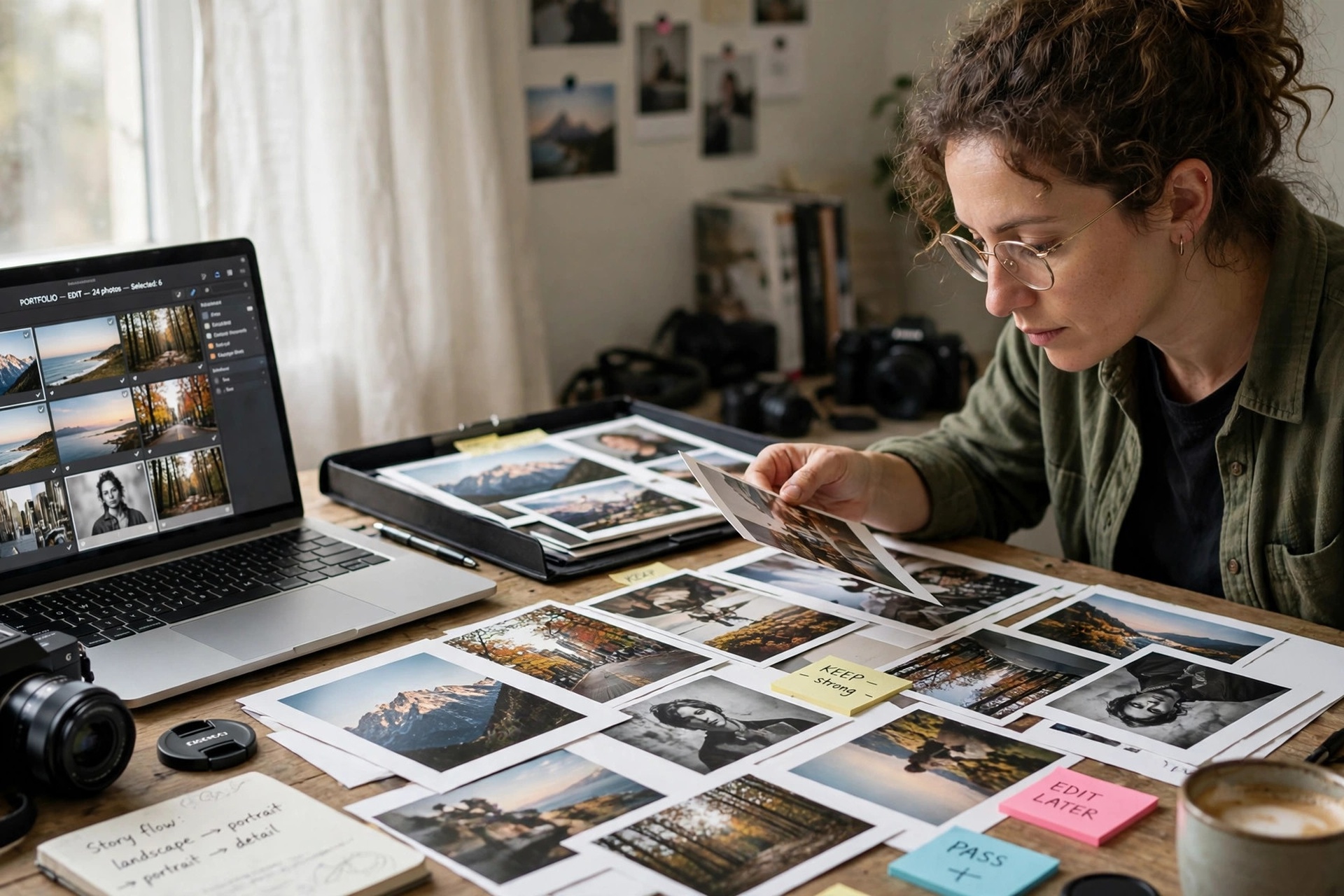
If your application succeeds, you are invited to sign a non-exclusive agreement with Getty Images and can begin uploading. Non-exclusive is the starting point for everyone; you may later apply for exclusive status by content type for higher rates. Choose your samples the way a buyer would judge them: 10 to 15 of your sharpest, most commercially useful images, varied across subjects, with clean editing and no technical flaws at 100% zoom. Do not send your ten best landscapes if you want to sell editorial, and do not send event photos if your strength is studio work. The samples should show the contributor Getty would actually be getting.
If you are rejected, treat it as a review note, not a verdict. Rejection usually means the samples did not meet the quality or commercial bar, not that you can never apply again. Improve the weak spots — sharpness, exposure, composition, subject choice — and reapply with stronger work. Many working Getty contributors were not accepted on their first attempt.
File Specs and the Hard AI Ban
Getty enforces clear technical specs at upload. Photos and vector illustrations go in as JPEG, up to 50 MB per file, in RGB color space, saved at the highest JPEG quality setting with no resizing applied on export. The size window matters: a minimum of 3 megapixels, with smaller files rejected at ingest rather than at review, and a maximum of 256 megapixels, which mostly matters for stitched panoramas and high-resolution scans. Confirm the current numbers on Getty's Preparing Your Content page before you submit, because the specs do change and that page is the version that counts on the day you upload.
Then there is the rule that surprises the most people in 2026: Getty does not accept generative AI content at all. Files created or modified using generative AI models — Getty names Stable Diffusion, DALL-E, Midjourney, and Adobe Firefly — are not accepted, and there is no disclosure field that makes such a file acceptable. The answer is no, full stop. That is stricter than Adobe Stock, which accepts labeled AI content, and it is a deliberate part of Getty's premium positioning: buyers paying premium prices want real photography, and Getty protects that promise by banning AI files outright. If you use AI tools for culling or keywording your own camera photos, that is a different question from submitting AI-generated images — but anything the AI created or modified as an image does not belong in a Getty submission. Our guide to AI-generated stock in 2026 explains the split across agencies in full.
What Actually Sells on Getty Images
Getty buyers are not browsing for decoration. They are licensing images to illustrate a story, sell a product, or document an event, and they pay for specificity, authenticity, and production value. The subjects that consistently earn on Getty are:
Editorial news, sport, and entertainment: real events, real people, real moments. The highest prices and the fastest sales live here.
Authentic lifestyle: real people doing real things, diverse and unstaged, shot with natural light and honest emotion. Getty's buyers have moved decisively away from stiff, posed stock.
Business and technology: genuine workplaces, real teams, believable tech use. Avoid the handshake-and-whiteboard clichés; buyers have seen them ten thousand times.
Travel and place: recognizable locations shot well, especially places in the news or on travel lists. Strong captions and accurate location keywords matter more here than anywhere else.
Premium creative concepts: polished, art-directed images with a clear idea — the kind of image a brand puts on a homepage. This is where the portfolio review earns its keep.
Video: royalty-free video pays 25% on the Getty agreement, and short, clean, usable clips of real life and real places are in constant demand.
What does not sell is the generic bulk that fills microstock libraries: the same sunset, the same laptop on a desk, the same smiling model with a headset. Getty's review process exists precisely to keep that out. If your portfolio already leans toward generic subjects, do not apply with them. Shoot ten images that only you could have taken — your city, your events, your access — and lead with those. Compared with the slower, premium approach of selling stock photos on Alamy, Getty demands more up front and pays more per sale; Alamy lets almost anyone in and pays on volume over time. Pick the door that matches your work, not your ambition.
Keywording on a Controlled Vocabulary
Getty and iStock do not run on free-text keywords. Every term you submit is matched against Getty's controlled vocabulary — a fixed, curated list of approved terms — and any keyword that is not on the list does nothing. That is a different skill from the free-tagging most contributors learn on Adobe Stock or Shutterstock, and it punishes sloppy keywording silently: your image looks fully tagged, but half its terms never enter the search index.
Work with the vocabulary, not against it. Use the exact approved terms for your subject, place, and concept, and put the most specific, most accurate terms first. Write a complete, factual description, because Getty's search weighs titles and descriptions alongside keywords. Name the location precisely in editorial images, and describe what is actually happening in the frame rather than what the image is "about" in the abstract. If a term you want is not in the vocabulary, find the closest approved term instead of forcing your own — an unapproved keyword is wasted effort, and a wrong one is worse than a missing one.
Payouts: When and How You Get Paid
Getty pays on a monthly cycle. Statements are published to the Royalties section of Account Management by the 20th of each month, and payments are issued on the 25th. The minimum payout depends on your agreement: Getty Images sets a minimum of either $50 or $100, and iStock contributors report a $100 threshold, so check your own contract for the number that applies to you. Payments go out through PayPal or Payoneer in US dollars.
Two practical consequences follow. First, small portfolios earn slowly on Getty: if your balance is below the threshold, it simply rolls forward until it clears, so do not expect a first payout in your first month. Second, track your statements. The 20th-of-month statement is your chance to spot a missing sale or a wrong license type while the month is still fresh. Contributors who never open their statements are the ones who discover problems a year late.
The Honest Risks Before You Apply
Getty is worth aiming at, but go in with your eyes open. The royalty percentages are lower than Adobe Stock's flat 33%, and on the iStock side of the business the 15% non-exclusive photo rate is among the lowest in the industry — Getty only makes sense when the license price, not the percentage, does the work. Acceptance is slow and uncertain, and a rejection costs you weeks. Editorial income is spiky: a big event pays well, and a quiet month pays nothing. And exclusivity, if you later pursue it for higher rates, locks your content to Getty alone, so weigh the higher percentage against every other agency you would have to leave.
Two company-level developments are also worth knowing, and worth checking for updates before you apply. Getty's planned merger with Shutterstock, announced in January 2025, received unconditional US antitrust clearance in February 2026, with the UK review still to conclude at the time of writing — a combined company would change the competitive landscape for every contributor. And Getty Images Holdings was reported to have filed for Chapter 11 protection on 21 October 2026. Contributor royalties are normally treated as operating expenses during such a process, but this is a live situation: check Getty's own contributor communications and watch your statements and payout timing closely before assuming anything. None of this is a reason to panic, and none of it is a reason to ignore the news either.
A 30-Day Plan to Get In and Get Selling
Days 1–7: Audit and shoot. Review your portfolio honestly and pick the 10 to 15 images that are sharpest, most commercial, and most "only you could have taken this." Shoot the gaps: one local event, one authentic lifestyle set, one travel or place set.
Days 8–14: Prepare files and releases. Export to Getty's specs — JPEG, RGB, highest quality, minimum 3 megapixels. Collect model and property releases for anything recognizable, and write accurate titles, descriptions, and controlled-vocabulary keywords for every file.
Days 15–21: Apply. Submit your samples through Getty's contributor application and wait. Use the waiting time to build a second batch of 20 files, fully keyworded, so you can upload the moment you are accepted instead of starting from zero.
Days 22–30: Upload your first batch — or regroup. If accepted, upload your best batch first, not your biggest. If rejected, read the outcome as feedback, fix the weakest images, and reapply with stronger work. Either way, keep shooting: Getty rewards contributors who arrive with a pipeline, not a single folder.
Key Takeaways
Getty Images pays 20% on royalty-free stills, 30% on rights-managed and rights-ready stills, and 25% on royalty-free video under its 2026 contributor rate card — with no download tiers.
One application feeds both Getty Images and iStock, but the two sites pay under different agreements: iStock non-exclusive photos pay 15%, with exclusive rates climbing to 45% by volume.
Entry is a human portfolio review of your samples, not a sign-up form. You must be 18 or older, and reported waits run from several days to several weeks.
Generative AI content is banned outright — no disclosure option, no exceptions — and keywording runs on a controlled vocabulary, so unapproved terms do nothing.
Editorial is Getty's strongest moat: real news, sport, and entertainment images earn premium prices that AI cannot undercut, but they must be accurate, fast, and submitted through ESP.
Frequently Asked Questions
How much do Getty Images contributors earn per sale?
It depends on the license, not just the percentage. Under the 2026 Getty Images rate card, royalty-free stills pay 20%, rights-managed stills pay 30%, and royalty-free video pays 25%. A $500 rights-managed license pays $150; a $60 royalty-free license pays $12. Check your own agreement PDF in Account Management for the rates that apply to you.
How do I become a Getty Images contributor?
Apply through Getty's contributor application with a set of sample images. A human reviewer judges technical quality, commercial usefulness, and releases. If accepted, you sign a non-exclusive agreement and can begin uploading to both Getty Images and iStock. You must be 18, and the review typically takes several days to several weeks.
Is Getty Images the same as iStock?
They are owned by the same company and share one contributor application, but they are different storefronts with different agreements and rate cards. iStock is the mass-market microstock site; Getty Images is the premium site for editorial and high-end creative work. Your files can sell on both, under different terms.
Can I submit AI-generated images to Getty Images?
No. Getty does not accept files created or modified using generative AI models, including Stable Diffusion, DALL-E, Midjourney, and Adobe Firefly, and there is no disclosure option that changes this. Submit only your own camera photography.
When and how does Getty Images pay contributors?
Statements are published by the 20th of each month and payments are issued on the 25th, via PayPal or Payoneer in US dollars. The minimum payout is $50 or $100 depending on your agreement, so small balances roll forward until they clear the threshold.