How to Audit Your Stock Portfolio: Find and Fix Your Worst Performers
By raof010 · Published October 23, 2026 · Updated October 23, 2026

Most stock contributors never look back. They upload, wait for the review checkmark, and move on to the next shoot — while a growing pile of files quietly earns nothing. Zero downloads. Zero views. Dead weight in a portfolio that should be working like a storefront.
A portfolio audit fixes that. It is a simple, repeatable review where you pull your own numbers, find the files that are failing, and decide what to do about each one: fix, re-keyword, reshoot, or retire the concept. Two hours, once a quarter, and you will stop spending your best upload energy on your worst content.
Here is the exact process — the metrics to pull, the patterns that mark a loser, the fix ladder in the right order, and the audit mistakes that waste everyone's time.
Why Audits Beat Endless Uploading
Volume matters in stock photography, but composition matters more. Every file you upload costs you something: review waiting time, keywording effort, and a slot in your mental bandwidth. Files that never sell are not neutral — they are a tax on the files that could.
Talk to any contributor with a few thousand files and you will hear the same pattern: a small share of the portfolio earns most of the downloads. That is normal. What is not normal is never finding out which files are in that top slice — and which files have been sitting at zero for a year while you kept feeding the same weak concepts.
An audit gives you three things raw uploading never does: a list of your winners to clone, a list of your losers to fix or drop, and a shoot plan for next quarter based on evidence instead of guesses.
Step 1: Pull Your Numbers From Both Dashboards
Everything in this guide runs on your own data, and both major agencies hand it to you for free.
In the Adobe Stock contributor dashboard, open the Statistics section. You will see views, downloads, and earnings over time, plus per-asset performance so you can compare individual files against each other. In the Shutterstock contributor dashboard, you get the same core trio per asset: views, downloads, and earnings, along with which of your images buyers are actually finding.
Build a simple spreadsheet and log four columns per file: views, downloads, months live, and earnings. You do not need fancy software — a plain sheet you update quarterly is enough. Sort by downloads, and the shape of your portfolio reveals itself immediately.
One housekeeping note: dashboard numbers update on a delay, so give newly approved files time to register before you judge them. Confirm exact reporting windows on each agency's official contributor pages, since interfaces and timings change.

Step 2: Find Your Worst Performers
With the numbers in front of you, look for these four patterns. These are your suspects:
Zero downloads after 6+ months live. The number-one red flag. A file that has sat half a year without a single sale is not "slow" — it is broken somewhere in the chain: undiscoverable, unappealing, or both.
High views, near-zero downloads. Buyers are finding this file and walking past it. That is a conversion problem — a weak hook, a keyword mismatch, or a concept that looked promising in the thumbnail but failed on the full view.
Earnings far below your portfolio average per file. Some files sell but at rock-bottom value, usually oversupplied micro-subject shots competing with millions of near-identical files. They cost you keywording time for pennies.
Self-cannibalizing similars. Five near-identical shots of the same subject split your own downloads five ways. One strong file with focused keywords almost always beats a cluster of clones.
What does not count as a failure: any file younger than about three months. Stock has a long discovery tail, and buyers search seasonally — often 60 to 90 days ahead of the event they are shopping for. New files need a full quarter before they earn a verdict.
Step 3: Diagnose Before You Delete
The biggest audit mistake is deleting first and asking questions never. Each failure pattern points to a different cure, and the wrong fix wastes the file:
No views at all? That is a discoverability problem. Nobody is finding the file, which almost always means the keywords and title are not matching what buyers type. Run those files through a proper re-keywording process — the same advanced stock keywording method buyers actually search for — and check whether they start appearing in search results within a few weeks. For the full method, see our guide on advanced stock keywording: how to tag photos buyers actually search for.
Views but no downloads? That is a concept or hook problem. Buyers find it and reject it. Check keyword relevance first — irrelevant keywords that tricked someone into clicking are worse than no keywords at all, because the agencies penalize files buyers bounce from. If the keywords are honest, the concept itself is weak: reshoot the idea from a stronger angle instead of mourning the file.
Downloads but tiny earnings? That is a value problem. The file type itself is low-value in the current market — usually ultra-competitive generic subjects. The fix is not to delete it but to stop producing more of it, and redirect that shoot time toward formats and subjects with better per-file economics.
Step 4: The Fix Ladder (In This Order)
Work from cheapest to most expensive. Most "dead" files are fixed at rung one or two:
Re-keyword. The cheapest fix with the highest hit rate. Strip irrelevant keywords, add the specific terms buyers actually use (season, setting, action, demographic), and reorder so the most accurate terms come first. Adobe weights the first keywords more heavily, so front-load the terms that describe the actual subject.
Retitle and recategorize. If the title reads like a camera filename with adjectives, rewrite it as a buyer would search: subject, action, setting. Check the category too — a miscategorized file is invisible to the buyers browsing that category.
Refresh the concept. Same idea, stronger execution: new angle, better light, real people instead of empty scenes, vertical crops for social buyers. You already know the subject has some demand — now give it the version that deserves to win.
Retire the concept. If a file fails after a genuine re-keyword and a concept refresh, stop feeding it. You do not have to delete the file, but take the concept off your shoot list and redirect the energy to what your data says works.
Step 5: Double Down on Your Winners
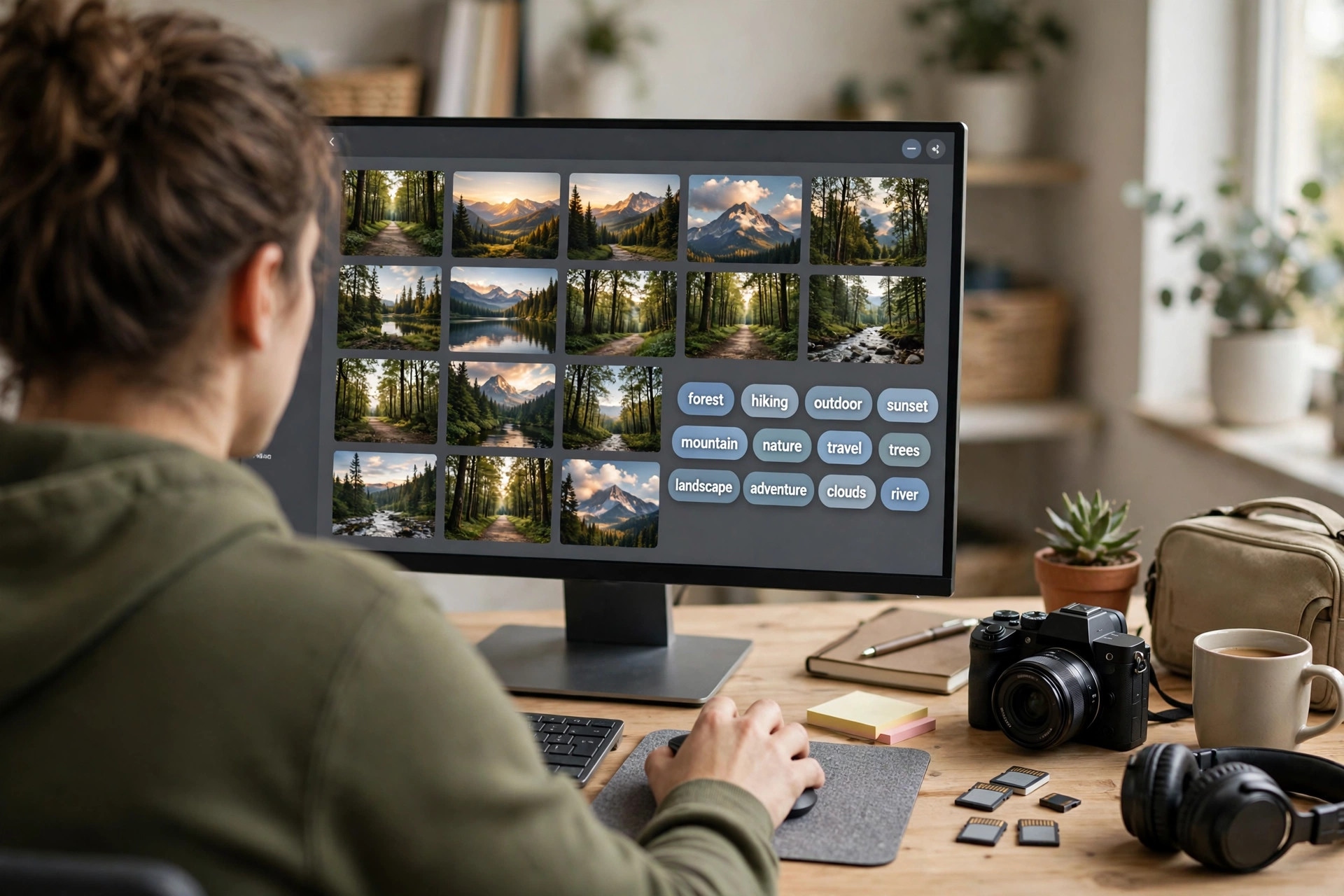
Audits are not only about losers. Your top 10 to 20 percent of files by downloads are a blueprint — they prove what buyers want from you specifically. Study them: which subjects, which styles, which seasons, which compositions repeat?
Then clone the pattern deliberately. Shoot variants of winning concepts: different angles, different models, different seasons, different orientations. One proven way to extend a winning commercial concept is a parallel editorial series — see our guide to editorial stock photography, the niche AI can't replace, for how real-places-and-people content builds a second income stream from the same shoots.
And if your winners are all stills, test the higher-value format: our comparison of stock video vs stock photos shows where the higher earnings are, and a short clip of an already-proven still concept is one of the cheapest experiments in the business.
One warning: cloning is not flooding. Agencies reject near-duplicates, and a wall of identical files dilutes your own keyword focus. Variants should be genuinely different shots, not the same frame nudged two degrees.
Step 6: Schedule It — The Quarterly 2-Hour Audit
Put it on the calendar like a client meeting. A clean routine looks like this:
30 minutes: pull numbers from both dashboards into your spreadsheet.
45 minutes: flag the worst performers using the four patterns above.
30 minutes: apply the fix ladder — re-keyword the discoverability failures, queue concept refreshes for the hook failures.
15 minutes: write next quarter's shoot list from your winners' patterns.
Time one audit per year with the industry's natural reset: early January, when you plan your uploads around the Shutterstock contributor levels reset every January, is the perfect moment to pair a portfolio cleanup with a fresh upload calendar. Two hours of audit in January compounds for the other eleven months.

Common Audit Mistakes to Avoid
Judging files under three months old. New uploads need a full quarter of search exposure before any verdict.
Deleting instead of fixing. Most failures are keyword failures, and keywords are free to change.
Chasing views instead of downloads. Views are attention; downloads are income. Optimize for the metric that pays.
Ignoring your winners. Half the value of an audit is the clone list. Do not spend the whole session on losers.
Auditing once and never again. Markets shift, seasons turn, and AI content keeps changing the competitive set. Quarterly is the minimum cadence that keeps the data honest.
Key Takeaways
A quarterly 2-hour portfolio audit beats another quarter of blind uploading.
Flag four patterns: zero downloads after 6+ months, high views with no downloads, below-average earnings per file, and self-cannibalizing similars.
Diagnose before you act — no views means a keyword problem, views without downloads means a concept problem.
Work the fix ladder in order: re-keyword, retitle, refresh the concept, then retire it.
Clone your top 10–20% of winners with genuine variants, and schedule one audit every January alongside the Shutterstock levels reset.
FAQs
How often should I audit my stock portfolio?
Quarterly is the sweet spot for active contributors — frequent enough to catch problems early, infrequent enough that files get a fair trial. Annual at minimum, timed with the January upload-planning season.
Should I delete files with zero downloads?
Not as a first step. Re-keyword and retitle first, since discoverability is the most common cause and the cheapest fix. Only retire the concept after a genuine fix attempt has failed.
How long should I wait before judging a new upload?
About three months. Stock discovery is slow, buyers search seasonally, and dashboard data itself updates on a delay. Anything younger than a quarter has not had a fair chance.
Can I re-keyword a file that is already approved?
Yes — both Adobe Stock and Shutterstock let you edit titles, keywords, and categories on live files through your contributor dashboard. Changes are the fastest, cheapest repair in the whole audit process.
What is the single most useful audit metric?
Downloads per file over a fixed period, compared against your own portfolio average. It cuts through vanity metrics and tells you exactly which files are carrying the portfolio and which are dead weight.