Selling Stock Footage on Pond5 vs Adobe Stock: Where Beginners Should Start
By raof010 · Published October 26, 2026 · Updated October 26, 2026
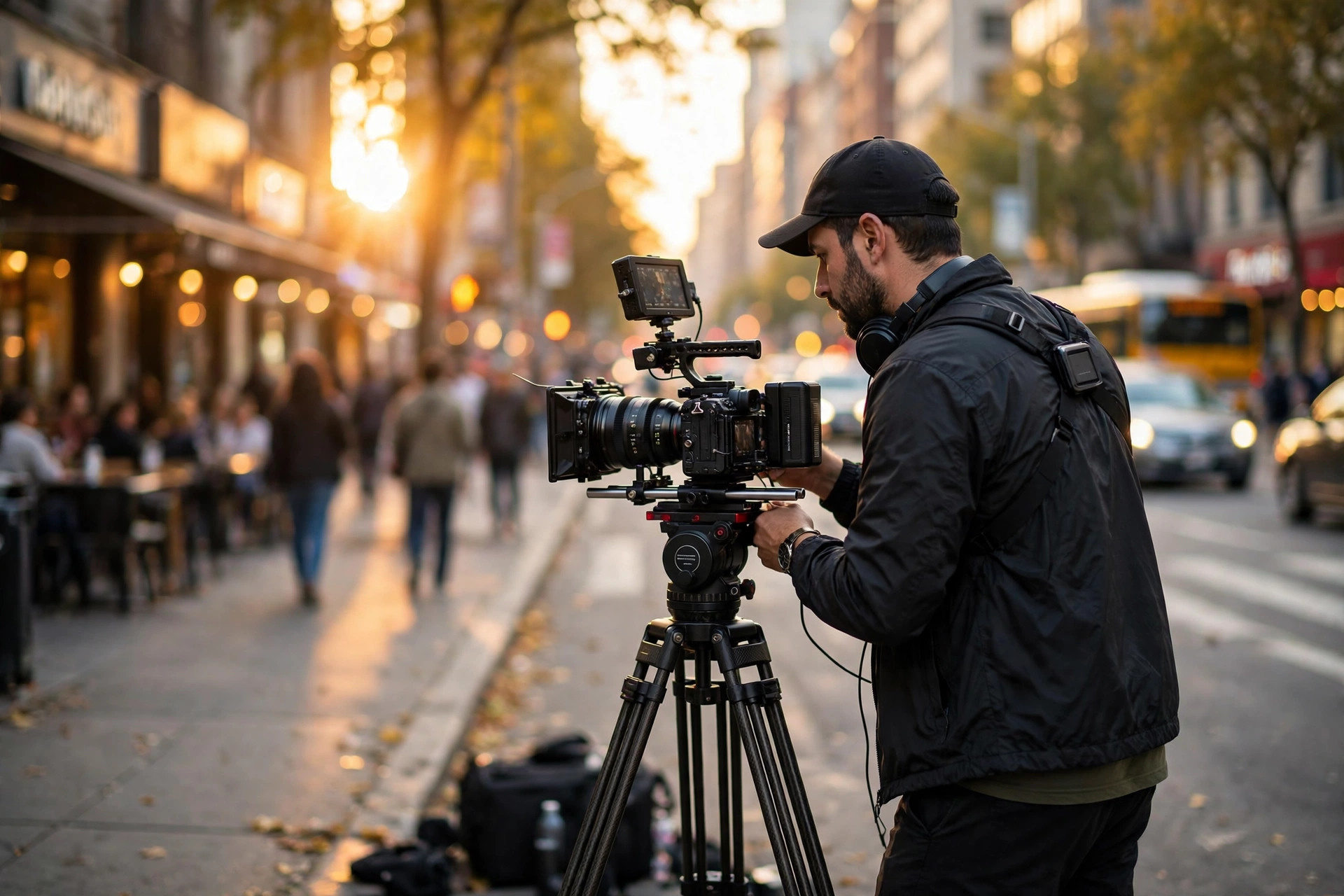
You have shot your first usable clips. Now comes the question every new footage contributor asks: upload them to Adobe Stock, to Pond5, or to both? The answer matters more than most beginners expect, because the two marketplaces pay you in completely different ways — one takes a fixed share of whatever the buyer paid, the other lets you set the price and takes a share of that. Pick wrong and your best clips sit underpriced, or unseen, for months. This guide compares the two side by side, with real numbers and a simple 30-day plan, so you can start where your clips have the best chance.
The short answer: start on Adobe Stock, test Pond5 with your best clips
If you only have time to learn one marketplace properly this month, make it Adobe Stock. Its flat 35% video royalty is simple to understand, there are no tiers to climb and no January reset to lose, and its buyer reach comes from Adobe's creative software ecosystem — the same customers who already edit in Premiere Pro and use Adobe's stock panel inside their tools. For a beginner, that combination means your first accepted clips can start earning without you having to learn pricing strategy on day one.
Pond5 earns its place as your second marketplace, not your first. Its price-it-yourself model rewards contributors who know what their footage is worth — and punishes beginners who guess. A clip priced too low leaves money on the table on every sale; a clip priced too high sits unsold while similar clips move. That is a skill you build after you have seen which of your clips actually license, not before. If you are still deciding between formats at all, our comparison of stock video vs stock photos lays out the per-sale math that makes footage worth the extra production effort in the first place.
The practical answer, then, is a sequence rather than a choice: upload your first 20 to 30 clips to Adobe Stock, watch what gets accepted and what gets licensed, and then take your 10 strongest clips — the ones with clean technique, clear subjects, and commercial usefulness — to Pond5 as non-exclusive listings, where you set the price with real evidence behind it. You keep both doors open, you learn pricing from data instead of guesses, and you never bet your whole first portfolio on a pricing skill you have not built yet.
How the money works: royalties side by side
Adobe Stock pays contributors a flat 35% royalty on video, applied to the net price of each licensed asset. Flat means flat: your first sale and your thousandth sale pay the same percentage, and there is no annual ladder to climb or reset to survive. What changes is the buyer's plan, so the dollar amount per download varies widely. Adobe's published US examples put video downloads at roughly $3.50 to $8.40 on subscription plans, $22.40 to $28.00 for HD on credit packs or on-demand purchases, and $56.00 to $70.00 for 4K. You cannot choose which plan your buyers use, so read that range as a range, not a promise. A subscription download and a 4K on-demand license are both "one sale" and they pay very differently.
Pond5 pays differently. Current contributor guides widely report 30% for non-exclusive video and 40% for exclusive video, with exclusivity available for video only. The percentage applies to the price you set for the clip, which is the whole point of the marketplace: you are the pricing department. A worked example shows why that matters. Price a clip at $50 and sell it non-exclusively at 30%, and you keep $15. Price the same clip at $100 and you keep $30 — if it sells. Price it at $200 and it may never sell at all, and you keep nothing. That sentence is the entire Pond5 learning curve in miniature.
One honesty note before you trust any single number in this section: Pond5's contributor terms have changed over time, and older guides still circulating online quote 50% and 60% figures that do not match current contributor reports. Treat 30% non-exclusive and 40% exclusive as the current working figures, and confirm the rate in your own contributor agreement and portal before you set prices around it. If a rate looks too good in an old blog post, it probably is old. Adobe's 35%, by contrast, has been stable across 2026 contributor reporting, with no announced change to the headline percentage.
For a beginner, the comparison comes down to this: Adobe Stock gives you a predictable percentage of an unpredictable buyer price, while Pond5 gives you a predictable price and an unpredictable sale. Beginners usually do better with the first kind of uncertainty, because it removes one decision — pricing — from an already long list of new skills: shooting, editing, keywording, and surviving review.
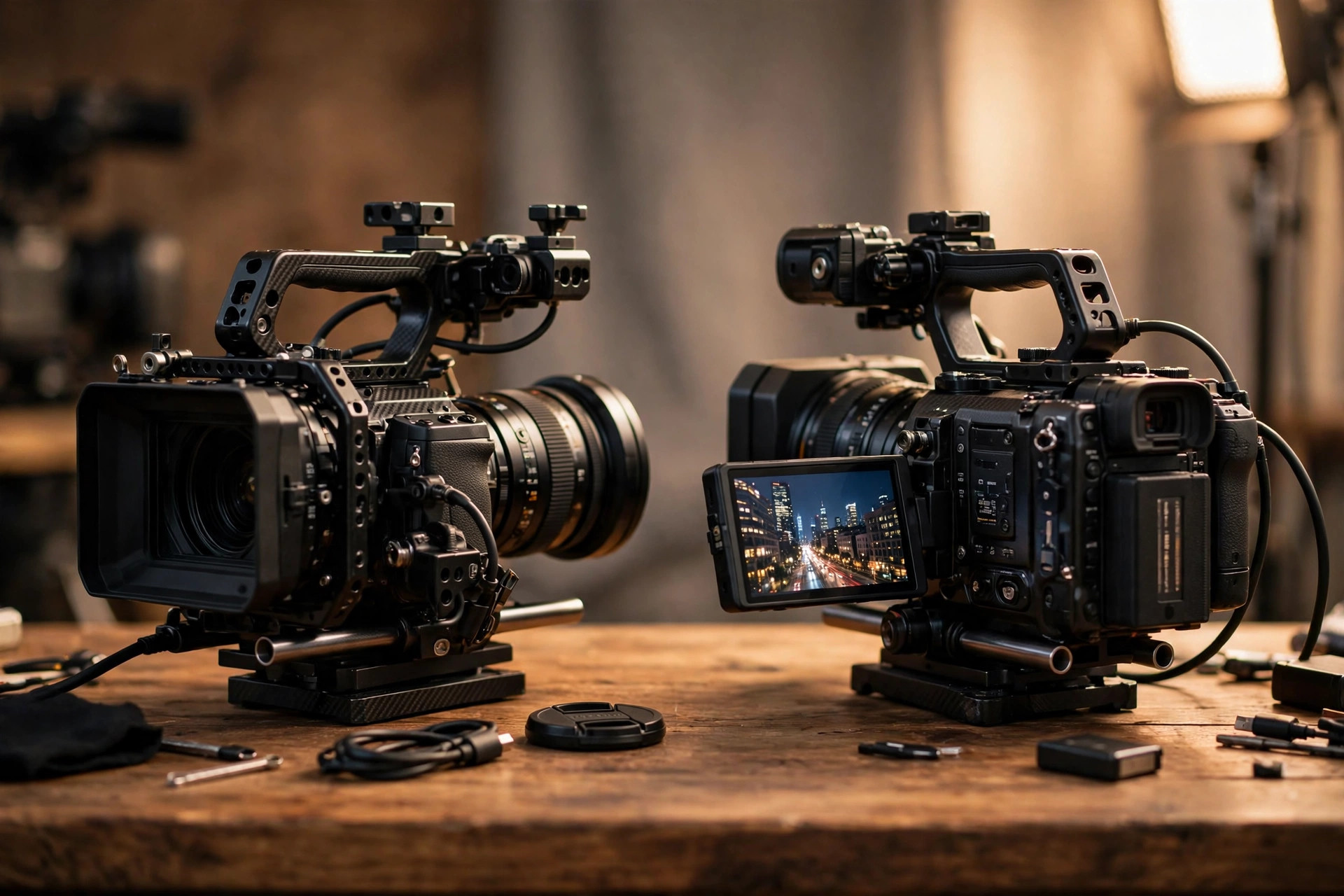
Pricing control: set your price vs take the plan price
Pond5's price control is genuinely powerful once you know your market. You can price a rare drone shot of a hard-to-access location higher than a generic office b-roll clip, and you can adjust prices over time as you learn what buyers pay. You can also run the same clip at different prices in different resolutions, which matches how buyers actually shop: a social-media buyer and a broadcast buyer are not buying the same thing, even when the footage is identical. Contributors who track their sales and adjust quarterly tend to do well here, because pricing becomes a feedback loop rather than a guess.
The trap is that beginners have no feedback yet. Without sales data, "set your own price" usually means copying a price from a similar-looking clip, which is a weak signal: you do not know whether that clip sells at that price, how long it sat unsold, or whether its price was set years ago and never updated. A common beginner mistake is pricing everything in the middle of the visible range, which guarantees you are overpriced for ordinary clips and underpriced for rare ones. Another is pricing by effort — "this took me all day, so it must be worth $150" — when buyers pay for usefulness, not for your afternoon.
Adobe Stock removes all of that. You do not set a price, so you cannot set a wrong one. The buyer's plan decides the price, Adobe takes its share of the economics, and you get 35%. That simplicity has a cost — you cannot push a rare clip's price up — but for a first portfolio it is a feature, not a flaw. Your job on Adobe Stock is to make clips buyers want and describe them so buyers can find them. Pricing skill can wait until you have a sales history to price from, which is exactly what the Pond5 test batch in the plan below is for.
One more pricing reality worth knowing: neither marketplace pays you for views, likes, or portfolio size. Both pay only when a buyer licenses a clip. A portfolio of 500 unsold clips earns the same as a portfolio of zero clips, which is why this guide keeps coming back to licensed clips, not uploaded clips, as the number that matters.
Who buys where: buyer reach and discovery
Adobe Stock's buyer reach is its quiet superpower. Its customers are already inside Adobe's tools: video editors, designers, and marketers who license footage without leaving their workflow. That integration matters for beginners because it puts your clips in front of buyers who were already going to license something today. Discovery on Adobe Stock runs on the same fundamentals as everywhere else — accurate titles, strong first keywords, one correct category — but the audience is large, commercially focused, and already spending.
Pond5's buyers are a different crowd, and that is a strength rather than a weakness. Pond5 is a video-first marketplace, and its buyers include film, television, and advertising professionals who come specifically for footage, including editorial, archival, and hard-to-find material. A buyer hunting for a specific historical clip, a niche location, or an unusual camera angle is more likely to search Pond5 than a general stock site. That also means Pond5 rewards distinctive footage more than generic footage: the marketplace's identity is built on clips buyers cannot find everywhere else.
There is one corporate fact beginners should know without over-reading it. Pond5 was acquired by Shutterstock in 2022, and it still operates as its own marketplace with its own contributor terms and pricing. Do not assume that uploading to Pond5 is the same as uploading to Shutterstock, or that a clip's performance on one tells you its performance on the other. Treat them as separate shops with separate customers, even though they share an owner.
Discovery advice is identical on both platforms, which is good news: write titles that describe what a buyer sees, put the subject, action, and setting first, use specific keywords before generic ones, and never stuff irrelevant trend words into a clip's metadata. A buyer who lands on the wrong clip does not buy it, and a marketplace that sees repeated mismatches trusts your portfolio less. Keyword discipline is a discoverability skill, not a paperwork chore.
What you can submit: specs, durations, and review
Both marketplaces want the same thing at the technical level: clean, stable, well-exposed footage that a buyer can cut straight into a project. The headline specs are close enough that one master export can usually serve both, with small adjustments. On Adobe Stock, video clips run 5 to 60 seconds, in .mov or .mp4, up to 10 GB, with vertical 1080x1920 supported and REC 709 as the preferred color space. Audio should be left off unless it genuinely enhances the clip. On Pond5, standard footage is also typically 5 to 60 seconds, HD and 4K are preferred with resolutions up to 8K accepted, file limits run around 3 GB for HD and 5 to 6 GB for 4K and above, and accepted codecs include ProRes, DNxHD and DNxHR, H.264, and H.265. Pond5 likewise prefers footage with the audio removed, except where the sound is essential — editorial clips, wildlife sound, or a historical speech, for example.
The practical shooting rules follow from those specs. Shoot in 4K if your camera supports it, because a 4K master can serve HD buyers and 4K buyers alike, and because resolution is one of the few things you cannot fix in post. Keep clips between 10 and 30 seconds for most commercial subjects: long enough for an editor to cut from, short enough that every second earns its place. Stabilize properly — a gimbal, a tripod, or a genuinely steady hand — because shaky footage is the fastest rejection in the business, and no stabilizer in post fully rescues a shot that was never steady. Grade lightly and neutrally: buyers want a file they can style themselves, not your finished look baked in.
Review works the same way on both platforms in one important respect: a rejection is a verdict on that file, not a negotiation. Clips with recognizable people or private property need the same paperwork as photos — see our guide to model and property releases before you submit anything with people in it. If a clip comes back rejected, the fix-first rule from our guide to stock photo rejections applies to footage too: fix the file, do not argue with the reviewer, and never resubmit the identical clip hoping for a different reviewer. Reviewers remember patterns, and repeated unchanged resubmissions are how accounts earn spam flags.
One beginner-specific warning: do not submit near-duplicates as separate clips. Ten versions of the same street corner with tiny framing differences look like portfolio padding to a reviewer, and they compete with each other in search without helping any buyer. Shoot a series — wide, detail, vertical, and a different moment — and submit the genuinely different clips, not the near-identical ones.
Getting paid: thresholds, timing, and paperwork
Both marketplaces set a $25 minimum payout threshold, which is genuinely beginner-friendly: you do not need a huge portfolio to see your first payment. On Adobe Stock, earnings sit in your contributor balance until you request a payout through PayPal, Payoneer, or Skrill, and the balance rolls over until it reaches the threshold. On Pond5, payouts are reported as monthly, around the 15th of the month, once earnings pass the $25 threshold, through PayPal, Payoneer, or Skrill, with unpaid balances rolling to the next cycle. Confirm the current payout calendar in each portal — payout timing is exactly the kind of detail platforms adjust without fanfare, and your own portal is the authority, not a blog post.
Two paperwork points catch beginners out. First, tax forms: both platforms will ask for tax information before you can be paid, and sorting that out at sign-up is far easier than sorting it out when your first $25 is sitting there waiting. Second, record-keeping: track every clip, every platform it is on, and every license it earns, from the first upload. A spreadsheet with clip name, platforms, exclusivity status, price, and sales is not bureaucracy — it is the only way to answer, six months from now, whether Pond5 or Adobe Stock is actually earning more for your work. Contributors who guess at that answer usually guess wrong.
Expect the first payout to take longer than the math suggests. A clip must be reviewed, accepted, discovered, licensed, and cleared before it becomes payable, and that chain takes weeks even for good clips. If your first month earns nothing, that is normal, not a verdict on your footage. The number to watch in month one is acceptance rate — how many submitted clips were accepted — because that tells you whether your shooting and editing are at marketplace standard. Earnings follow acceptance, with a delay.
Exclusivity: the one decision you cannot undo casually
Exclusivity is the only decision in this guide with real lock-in, so treat it separately from everything else. On Pond5, exclusive video earns the higher 40% rate, but it means selling that clip only on Pond5. You cannot also sell it on Adobe Stock, Shutterstock, or anywhere else while it is exclusive. The trade is simple: a higher percentage of Pond5 sales in exchange for giving up every other marketplace's sales of that clip. That trade only wins if Pond5's buyers want that clip more than all other buyers combined, which you cannot know until you have sales data.
For beginners, the default should be non-exclusive everywhere. Non-exclusive means the same clip can be listed on Adobe Stock and on Pond5 at the same time, and each sale is independent. You give up Pond5's extra 10 percentage points, but you keep every marketplace's audience, and you learn from real sales which platform moves which kind of clip. Once you have that data — say, a clip type that sells repeatedly on Pond5 and never on Adobe Stock — you can consider exclusivity for future clips of that type, with evidence instead of hope.
There is one exception worth naming: genuinely rare footage. If you own a shot that no one else can easily replicate — a one-time event, a restricted location, a difficult aerial — exclusivity can be a selling point in itself, because scarcity is part of the product. Even then, start non-exclusive for a test period and watch the data. Scarcity that nobody is searching for is just an unsold clip with a higher percentage attached to it.
Finally, never promise exclusivity you cannot keep. If a clip is already listed non-exclusively somewhere, do not mark it exclusive on Pond5. Marketplace agreements are legal documents, not profile settings, and a clip found on two platforms after an exclusivity promise is a compliance problem, not a clerical error.
The beginner plan: your first 30 days on both
Week one is for shooting and learning the portals, not for earning. Pick one subject you can shoot well — a local market, a park at golden hour, a craft or cooking process — and shoot five clips: a wide establishing shot, two detail shots, one vertical version, and one slow, steady movement shot. Edit them neutrally, export in 4K, and write honest titles and keyword sets for each. Submit all five to Adobe Stock first, and log the submission date, title, and keywords for each clip in your spreadsheet.
Week two is for reading the review results. Accepted clips tell you your technical standard is fine; rejections tell you exactly what to fix, whether it is stability, exposure, or metadata. Fix the rejected clips properly or retire them — do not resubmit them unchanged. Then take your accepted clips, or your three strongest if only some were accepted, and list them on Pond5 as non-exclusive, pricing them by comparison with sold-looking clips of similar rarity and quality, not by effort. Note the price you set for each clip in the same spreadsheet.
Weeks three and four are for scaling the system, not for chasing sales. Shoot a second series on a different subject, run it through the same edit, keyword, and submit routine, and start thinking in batches. Once the first clips are accepted, scale with a batch uploading workflow rather than uploading one clip at a time — the same series thinking, culling discipline, and metadata presets that work for photos work for footage, with longer render times built into the schedule. By day 30, a realistic beginner portfolio is 15 to 30 accepted clips across both platforms, a spreadsheet that tells you where everything lives, and a first sense of which subjects get accepted fastest. That is a real foundation, even if the first payout is still a month away.
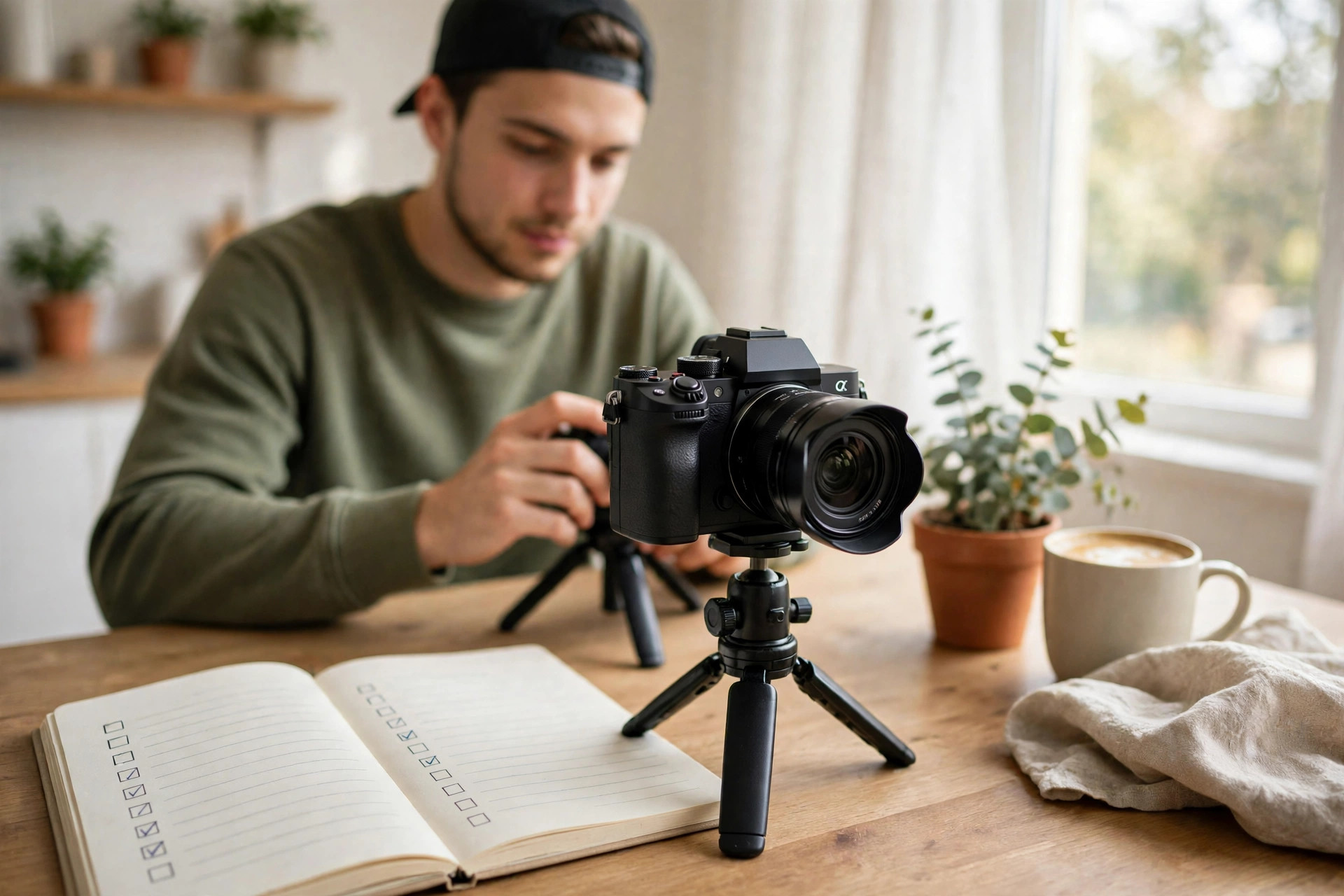
Mistakes beginners make on footage marketplaces
Pricing by effort instead of usefulness. Buyers pay for a clip they can use, not for the day you spent shooting it. Price by rarity, quality, and comparable sales, not by hours worked.
Going exclusive on day one. Exclusivity without sales data is a bet, not a strategy. Start non-exclusive, learn from real licenses, and only then consider exclusive listings for proven clip types.
Uploading shaky or over-graded footage. Stability and neutral grading are the two fastest review filters. If a clip needs heavy stabilization or a dramatic grade to look good, it was not ready to submit.
Keywording for the algorithm instead of the buyer. Irrelevant trend words do not help a clip sell; they help it land in front of the wrong buyer, who does not buy it and moves on. Describe what is actually in the frame.
Judging a marketplace after two weeks. Review, discovery, and licensing each take time. Judge a platform after 90 days and at least 30 accepted clips, not after a fortnight and five uploads.
Keeping no records. Without a clip-by-clip log of platforms, prices, and sales, you cannot answer the only question that matters six months from now: which marketplace earns more for your work?
Key Takeaways
Adobe Stock pays a flat 35% on video with no tiers and no annual reset — the simplest first marketplace for beginners, with buyer reach built into Adobe's creative tools.
Pond5 pays a reported 30% non-exclusive or 40% exclusive on video, and you set the price — powerful once you have sales data, risky as a first guess.
Start on Adobe Stock, then test your 10 strongest clips on Pond5 as non-exclusive listings priced from evidence, not effort.
Both marketplaces share a $25 payout threshold, similar 5-to-60-second clip specs, and the same review discipline: fix rejected files, never resubmit unchanged ones.
Stay non-exclusive until your own sales data proves a clip type earns more exclusive on Pond5 than everywhere else combined.
FAQs
Should a beginner start on Pond5 or Adobe Stock?
Start on Adobe Stock. Its flat 35% royalty, lack of pricing decisions, and large buyer reach make it the lower-friction first step. Add Pond5 second, with your strongest clips as non-exclusive listings, once you have acceptance and sales data to price from.
How much does Pond5 pay contributors?
Current contributor guides widely report 30% for non-exclusive video and 40% for exclusive video, applied to the price you set. Older guides quoting 50% or 60% do not match current reports, so confirm the rate in your own contributor agreement and portal before you build pricing around it.
How much does Adobe Stock pay for a video download?
Adobe Stock pays a flat 35% of the net price. Published US examples run roughly $3.50 to $8.40 on subscription plans, $22.40 to $28.00 for HD on credit packs or on-demand, and $56.00 to $70.00 for 4K. The buyer's plan decides where in that range each sale lands.
Can I sell the same clip on both Pond5 and Adobe Stock?
Yes, if the clip is non-exclusive on Pond5. Non-exclusive listings can appear on multiple marketplaces at once. An exclusive Pond5 clip cannot be sold anywhere else while it is exclusive, so do not mark a clip exclusive if it is already listed elsewhere.
How long until a beginner earns their first footage payout?
Both platforms set a $25 payout threshold, but review, discovery, and licensing take weeks, so the first payout often lands one to three months after the first accepted clips. Watch acceptance rate in month one; earnings follow acceptance with a delay, so judge a marketplace after 90 days and at least 30 accepted clips, not after two weeks.