Selling Stock Photos on Depositphotos in 2026: Royalties, Levels, and What Actually Sells
By raof010 · Published November 12, 2026 · Updated November 12, 2026
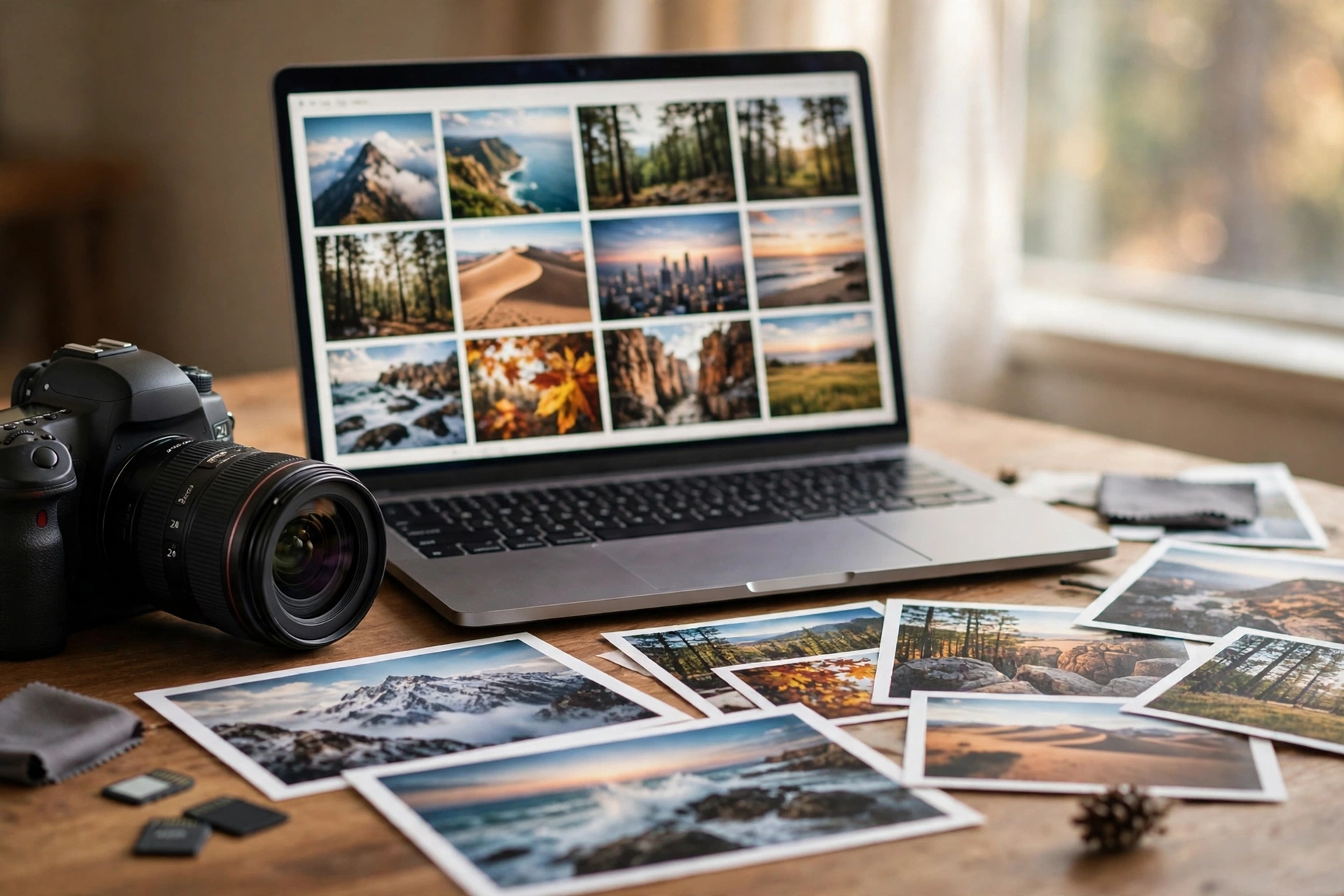
Depositphotos is the marketplace most contributors join last and regret skipping first. It does not have Shutterstock's volume or Adobe Stock's buyer reach, but it has something the big two do not: a royalty ladder that starts at 30% on pack sales, climbs to 38%, and pairs with a payout threshold of just $25. Founded in 2009 and now holding more than 200 million files, it is a long-running agency with a loyal buyer base that is especially strong in Eastern Europe and Latin America — regions where your photos face less competition than on the crowded US-focused marketplaces. This guide explains the 2026 Depositphotos contributor program exactly as it works: the five levels, what each download actually pays, the exam test at the door, the file and metadata rules that decide whether your work is accepted, and the subjects that sell there.
What Depositphotos Is — and Who Buys There
Depositphotos is a stock agency founded in 2009 that sells photos, vectors, videos, and audio to buyers worldwide. Its library holds more than 200 million files, and its buyer base skews toward Eastern Europe and Latin America, where design studios, publishers, and small businesses buy heavily. That geography matters for contributors: a photo of a Warsaw street market or a São Paulo office team faces far less competing supply on Depositphotos than the same concept does on Shutterstock, where every contributor on earth uploads the same subjects.
The platform is non-exclusive. You keep the right to sell the same files on Adobe Stock, Shutterstock, Alamy, and everywhere else, so Depositphotos works best as one more shelf for a portfolio you already distribute widely — not as a single home. If you are still weighing the exclusive vs non-exclusive decision, Depositphotos sits firmly on the non-exclusive side: no lock-in, no exclusivity bonus, just another marketplace paying per download.
One more positioning fact before the numbers: Depositphotos is a mid-tier earner, not a top earner. Treat it as a volume-and-diversification play. A file that earns $0.25 on a subscription download here can earn the same file's keep across five other agencies at once, and that is the honest way to judge it.
The Five Contributor Levels: Green to Platinum
Your level on Depositphotos is based on your total lifetime downloads, and it is the single number that sets your royalty rate. There are five levels:
Level | Name | Lifetime downloads needed |
|---|---|---|
1 | Green | Up to 499 |
2 | Bronze | 500 – 4,999 |
3 | Silver | 5,000 – 24,999 |
4 | Gold | 25,000 – 149,999 |
5 | Platinum | 150,000+ |
How downloads are counted matters more than the thresholds look. A pack download counts as 1 toward your level. A subscription download counts as one-third — so it takes three subscription downloads to move your level count by one. Since most Depositphotos sales come through subscriptions, your level climbs roughly three times slower than your raw download count suggests. A contributor with 1,500 subscription downloads has only 500 level-counted downloads and is just crossing into Bronze.
Levels never reset. Unlike Shutterstock, where every contributor drops back to Level 1 each January, your Depositphotos level is permanent progress. That is a genuine structural advantage: the work you do in 2026 still counts toward your rate in 2028.

What You Actually Earn: Royalties Explained
Depositphotos pays differently depending on how the buyer bought your file — a credit pack or a subscription — and on whether the file is a photo, a video, or audio. Here are the 2026 rates, by level:
Photos and vectors, pack sales (Standard or Extended License): Green 30%, Bronze 32%, Silver 34%, Gold 36%, Platinum 38%. The percentage applies to the actual amount the buyer paid, including discounts — not to the file's list price. If a buyer bought your photo at a discount, your royalty is calculated on the discounted amount.
Photos and vectors, subscription downloads: a fixed amount per download — Green $0.25, Bronze $0.27, Silver $0.29, Gold $0.31, Platinum $0.33. This is the rate most of your downloads will actually pay, because subscriptions drive most volume on the platform. Budget around $0.25 per download when you are starting out.
Videos, packs and subscriptions: 30% to 38% by level, the same ladder as photos. Audio, packs: 34% to 42% by level — the highest percentages on the platform, reflecting how thin audio supply is.
Revenue Share special program: participants share 40% of net subscription revenue, prorated by the share of their files in subscribers' downloads, with higher earnings at higher levels, paid in aggregate at month end. This is a separate program from the standard per-download rates above; check the current terms in your contributor dashboard before opting in.
Two royalty notes that catch new contributors out. First, files sold through partner distributors may pay non-standard rates. Second, if Depositphotos pays tax to a third party on a sale — for example an Apple in-app purchase — your royalty is calculated on what Depositphotos actually receives after that tax.
The $25 Payout: Methods and Timing
You can withdraw once your balance reaches $25, via PayPal, Payoneer, or Skrill. An approved tax form is required before your first payout, so submit it early rather than waiting until you hit the threshold. At $0.25 per subscription download, a brand-new Green contributor needs 100 subscription downloads to reach the first payout — or far fewer if pack sales land, since a single pack sale at 30% of a multi-dollar price can pay several dollars at once.
The $25 floor is one of the lowest among major agencies. Compare it with the $35 minimum on Shutterstock and the $100 floor on iStock, and Depositphotos becomes one of the fastest places for a small portfolio to see its first real money. That matters psychologically: the first payout is what turns stock photography from a hobby into a habit.
How to Join: The Exam Test and Application
Joining Depositphotos is free and takes three steps:
Register a contributor account. Sign up on the Depositphotos contributor page with your name, email, and a short bio. There is no fee and no obligation.
Pass the exam test. Upload a few of your best files — your strongest, cleanest work, not your average work. Depositphotos inspectors review them, and passing the test unlocks full uploading. You must be at least 18 years old, and you must own the rights to everything you submit.
Upload and wait for review. Every file is reviewed by inspectors before it goes live. Expect a few days for review; rejections come with a reason, and you can fix the problem and resubmit.
Choose your exam files like a portfolio review, because that is what it is. Submit five to ten technically perfect files across two or three subjects: one sharp lifestyle shot, one clean business concept, one travel or food image. Avoid your riskiest work — no borderline focus, no visible brand logos, no people without releases. The inspectors are judging whether you understand stock quality, and a single sloppy file can fail the test.
File Requirements: What Passes Inspection
Depositphotos publishes clear technical minimums, and files below them are rejected automatically:
Photos: JPEG, JPG, or PNG in RGB colour space. Minimum resolution 3.8 megapixels (2,400 × 1,600 pixels). Maximum file size 50 MB.
Vectors: AI or EPS files submitted as a ZIP archive with a JPEG, JPG, or PNG preview. Preview minimum 3.8 megapixels. Maximum ZIP size 50 MB.
Videos: ASF, AVI, DV, FLV, MOV, MPEG/MPG, or WMV, 3 to 60 seconds long, up to 4 GB. Minimum resolution 320 × 240; no maximum. Audio is accepted only if it belongs to the scene — ambient sound or voices — never a music track you do not own.
Audio and music: WAV, MP3, or AIF/AIFF, 16 or 24 bit, 44.1 or 48 kHz, maximum 10 minutes and 1 GB.
The rule that surprises the most contributors in 2026: AI-generated files are not accepted on Depositphotos at all, because of intellectual-property concerns. If you work with AI-generated images, Depositphotos is not a destination for them — Adobe Stock accepts labelled AI content, but Depositphotos does not. Submit only your own camera photos, vectors, video, and audio here.
Beyond the specs, the usual stock quality bar applies: sharp focus at 100% zoom, correct exposure, no noise, no chromatic aberration, no visible trademarks or logos, and a signed model or property release for any recognisable person or private property in a commercial shot.
Metadata That Sells on Depositphotos
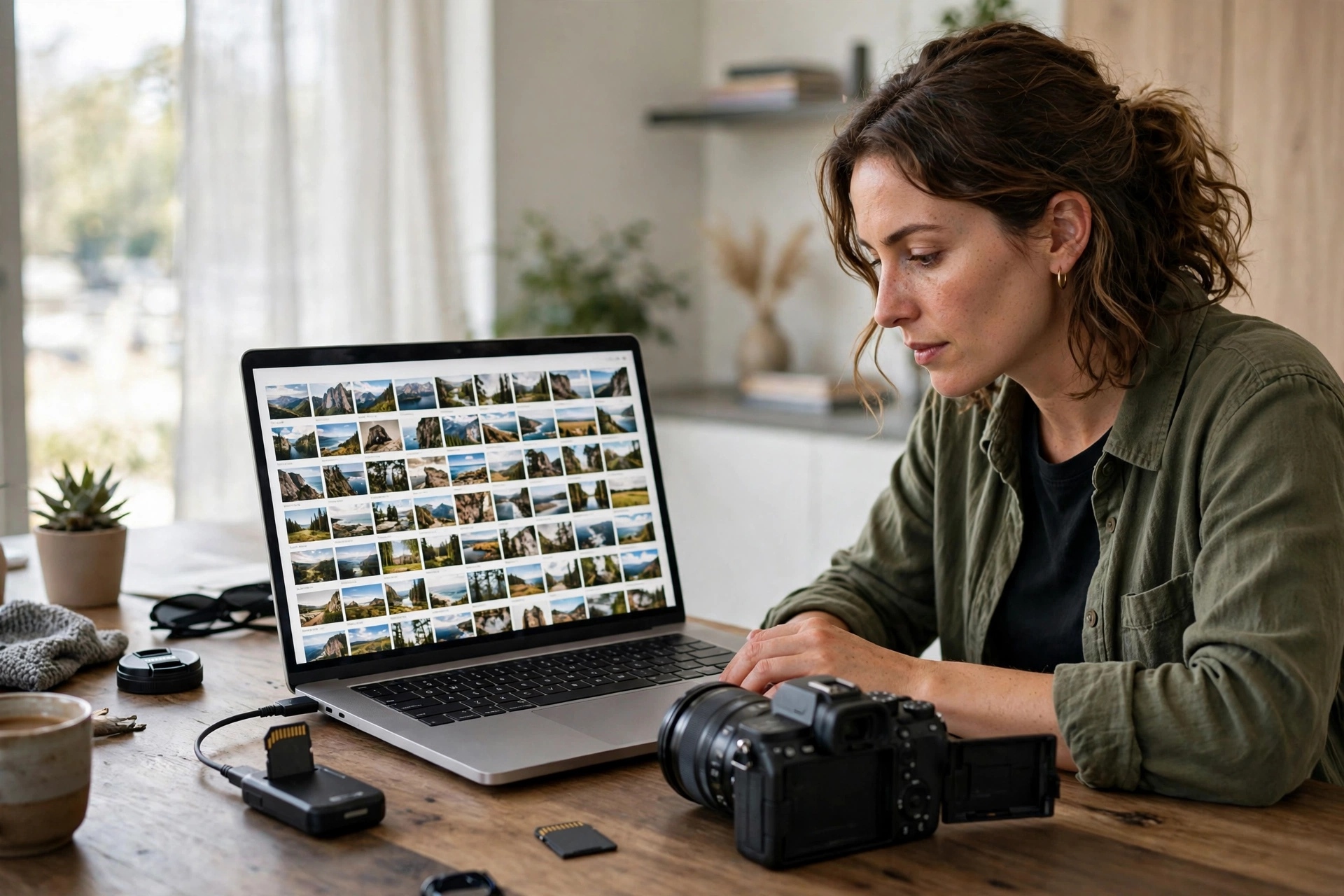
Depositphotos gives you up to 50 keywords per file and a description field of up to 250 characters, and it offers a CSV upload so you can add descriptions and keywords in bulk instead of typing them file by file. The CSV columns are Filename, Description, Keywords, Editorial, Nudity, and Releases, and the file must be UTF-8 encoded with values in English. That bulk path is the fastest way to metadata a 100-file batch — but it carries two traps that quietly damage your files.
Trap one: accented characters are stripped. Depositphotos sanitises filenames and descriptions, and accented letters are removed. Worse, the exact result depends on how your system encodes the character: on Windows, a word like "caffè" typed by hand typically loses the whole accented letter and becomes "caff". On macOS, only the accent mark is stripped and the base letter survives. Non-Latin scripts — Cyrillic, Japanese, Chinese — are stripped entirely. The safe rule is simple: transliterate everything to plain ASCII before uploading. Use only A–Z, a–z, 0–9, hyphens, and underscores in filenames, and write descriptions without accents.
Trap two: the keyword spell check runs at save time, even for CSV imports. Keywords imported from a CSV are still checked when you save, so review every file after import instead of assuming the CSV went through clean. A misspelled keyword is a dead keyword — it matches nothing a buyer types.
For the keywords themselves, the same rules that work everywhere else apply here: put the most specific, buyer-intent phrases first, mix concept keywords ("teamwork", "remote work") with literal ones ("laptop", "office"), and never stuff brand names or irrelevant trending words. Depositphotos buyers search in English and in their local languages, so literal, descriptive keywords in plain English travel furthest.
What Actually Sells on Depositphotos
Depositphotos buyers are design studios, publishers, and small businesses, and their demand leans toward practical, usable imagery rather than fine art. The subjects that move consistently:
Business and remote work: diverse teams in real offices, video calls, home workspaces, handshakes that do not look staged. Eastern European and Latin American business settings are undersupplied.
Lifestyle and family: authentic everyday moments — cooking, commuting, parents with children, older people using technology. Real moments outperform studio-perfect poses.
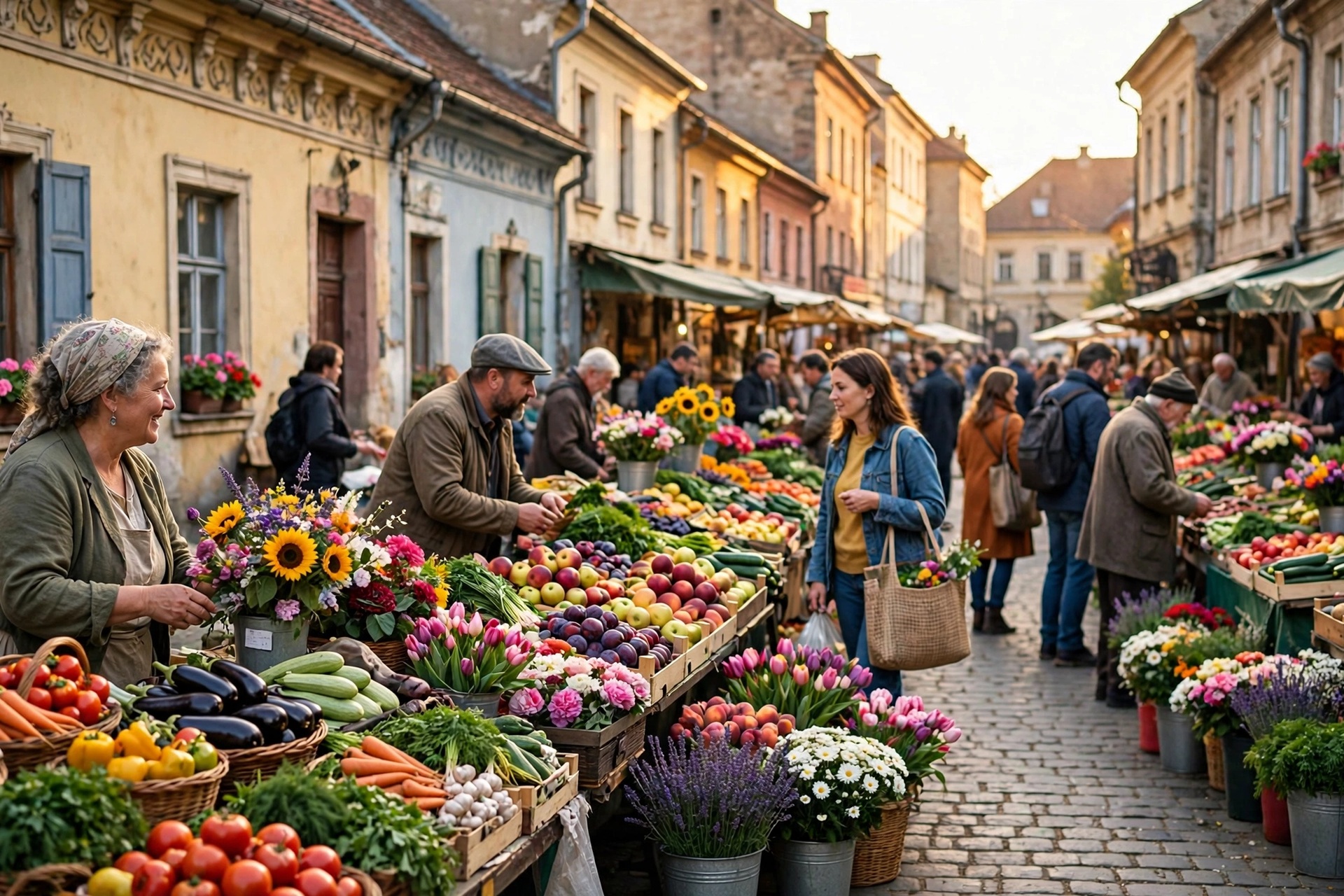
Food, travel, and local culture: regional food, street markets, city life outside the usual tourist capitals. A strong photo of Tbilisi, Lima, or Kraków has less competition than another Paris Eiffel Tower shot.
Seasonal and holiday content: Christmas, New Year, and local holidays, uploaded two to three months ahead of the date.
Vectors and illustrations: icons, patterns, infographics, and backgrounds — vector supply is thinner than photo supply, and vector buyers are loyal.
Audio: the thinnest supply on the platform, and the highest royalty percentages (34–42%). If you record music or sound effects, Depositphotos is one of the better places to put them.
What does not sell: overshot clichés (another laptop on a white desk with a coffee cup), technically weak files, and anything with visible branding. And remember the AI ban — do not waste review slots submitting generated images that will be rejected on policy, not quality.
Upload Workflow: Web, FTP, and CSV
Depositphotos offers three ways to get files in. The web uploader handles files and metadata directly in the browser and is the right choice for most contributors. The CSV upload adds bulk metadata on top of the web flow. FTP is the third option — ftp.depositphotos.com, using your contributor username and password — and it is the one to treat with care.
Two warnings about FTP. First, the connection is plain FTP, not FTPS or SFTP, so your credentials travel unencrypted — and they are the same credentials as your website login, so anyone intercepting them gains full account access. Never use FTP over public or untrusted Wi-Fi; use a VPN if you must use it at all. Second, FTP transfers the files only. After upload, files appear in the web interface marked "unfinished", and you still have to open each one, add metadata, and submit it for review. FTP does not complete the submission by itself, so it saves upload time but not metadata time.
The practical workflow for a weekly batch: shoot and cull on day one, edit and export to the 2,400 × 1,600 minimum (higher is better) on day two, write titles, descriptions, and 50 keywords in a spreadsheet on day three, then upload through the web uploader or CSV on day four. Submit in small batches of 10–20 files so a rejection pattern shows up early instead of after 100 files.
Depositphotos vs the Other Marketplaces
Depositphotos is rarely a contributor's first agency, so here is how it stacks up against the ones this site has already covered:
Marketplace | Photo royalty | Payout minimum | AI content |
|---|---|---|---|
Depositphotos | 30–38% packs; $0.25–$0.33 subs | $25 | Banned |
Adobe Stock | 33% photos, 35% video | $25 | Accepted, labelled |
Shutterstock | 15–40% by level | $35 | Banned for contributors |
123RF | 30–60% by level | $50 | Restricted |
Alamy | 40–50% by tier | $50 | Accepted, labelled |
Freepik | Shared pool model | $50 | Accepted via Magnific |
Read the full guides before you choose where to put a file: 123RF's 30–60% ladder beats Depositphotos on percentage but pays out only at $50; Alamy's tier system pays more per sale but sells slower; Getty's premium rights-managed model pays the most per license but demands a portfolio review at the door; and Freepik's shared subscriber pool rewards volume the way Depositphotos does, with a higher payout floor. The smart move is not picking one — it is putting the same non-exclusive file on several of them, since Depositphotos charges nothing for non-exclusivity.
Rates change, so confirm the current numbers on each agency's official contributor pages before you make a decision based on them. The figures in this article were checked against Depositphotos' published contributor terms and independent 2026 royalty trackers in November 2026.
The Honest Earnings Picture
Depositphotos will not make you rich on its own, and any article that implies otherwise is selling a fantasy. One independent contributor who tracked the same 1,500-image portfolio across ten agencies for a full year earned $987.65 on Depositphotos — about $70–$90 a month — with an average of $0.54 per sale and a highest single sale of $8 on an extended licence. That is a real, tracked result, not a marketing claim, and it tells you the shape of the opportunity: steady small sales, occasional multi-dollar pack sales, and a monthly total that grows with portfolio size.
The maths of the ladder explains why. At Green level, 100 subscription downloads pay $25 — exactly one payout. At Platinum, the same 100 downloads pay $33. The level bonus is real but small; the volume is what moves the total. A 500-file portfolio earning $0.25–$0.54 per download needs hundreds of downloads a month to matter, which is why Depositphotos works as one shelf among many rather than a single income source. Upload your best work here, keep uploading everywhere else too, and let the levels climb in the background.
A 30-Day Depositphotos Starter Plan
If you are starting from zero, here is a realistic first month:
Days 1–3: Register, prepare 10 exam files, and pass the test. Pick your sharpest lifestyle, business, and travel shots.
Days 4–10: Upload your first 30 files in three batches of 10. Write full metadata for each — 50 keywords, a 250-character description, plain-ASCII filenames. Watch which ones get accepted and fix the pattern behind any rejection.
Days 11–20: Upload 40 more files, leaning into the subjects that passed fastest. Try one vector set or a short video clip if you have the skills — thinner supply means less competition.
Days 21–30: Review your first download data, double down on the subjects that sold, and set up the CSV workflow for your second month so metadata stops being the bottleneck. Aim for 100 live files by day 30.
One hundred files will not make you Platinum — that takes 150,000 downloads — but it will teach you the platform, pass the exam, and put you on the ladder. Every level after Green is a pay rise you never have to renegotiate.
Key Takeaways
Depositphotos pays 30–38% on pack sales and $0.25–$0.33 per subscription download, with levels from Green (up to 499 downloads) to Platinum (150,000+).
Levels never reset, unlike Shutterstock's January reset — your progress is permanent.
The payout minimum is just $25 via PayPal, Payoneer, or Skrill, with a tax form required first.
AI-generated files are banned entirely, so submit only your own camera photos, vectors, video, and audio.
Use plain-ASCII filenames and descriptions — accented characters are stripped and can mutilate your metadata — and review every file after a CSV import.
FAQs
How much does Depositphotos pay per download?
Pack sales pay 30–38% of the buyer's price depending on your level; subscription downloads pay a fixed $0.25–$0.33 per file. Video pays 30–38% and audio packs pay 34–42%. Most downloads come through subscriptions, so expect around $0.25 per download when you start.
What is the Depositphotos payout minimum?
$25, withdrawable via PayPal, Payoneer, or Skrill once an approved tax form is on file. At Green level that is 100 subscription downloads, or fewer if pack sales land.
Do I need to pass a test to join Depositphotos?
Yes. After registering, you upload a few of your best files for an exam review. Pass it and you can upload freely; every file is still inspected before it goes live. You must be at least 18.
Does Depositphotos accept AI-generated images?
No. AI-generated files are not accepted because of intellectual-property concerns. Submit only photos you shot, vectors you drew, video you filmed, and audio you recorded.
Is Depositphotos exclusive?
No. Depositphotos is non-exclusive, so you can sell the same files on Adobe Stock, Shutterstock, Alamy, and other agencies at the same time. That makes it a good extra shelf for a portfolio you already distribute widely.